
Boost Your ERP with netsuite suite app
You’re probably feeling a gap between what NetSuite already does and what your team still does by hand.
A finance manager closes the month in NetSuite, then exports data to spreadsheets to track subscription performance. An AP lead receives invoices as PDFs, then retypes totals, dates, and line items into records. A procurement manager stores vendor proposals in shared folders because comparing them inside the ERP feels awkward. NetSuite is powerful, but parts of the workflow still feel manual.
That’s where the idea of a netsuite suite app starts to matter.
Think of NetSuite like a smartphone. The phone works out of the box, but the app store is what makes it fit your daily life. SuiteApps play a similar role inside NetSuite. They add focused capabilities without forcing you to replace your ERP or build everything from scratch.
If you're still deciding how much ERP is enough for a smaller company, this guide on ERP for small businesses is a useful companion because it frames the broader decision before you start extending the platform.
Your NetSuite ERP Can Do More
Teams often don’t go looking for a SuiteApp because they love software. They go looking because a repeated pain finally becomes too expensive in time, attention, or mistakes.
A common example is reporting. The controller wants recurring revenue visibility, the sales leader wants retention trends, and the operations lead wants one version of the truth. But instead of opening one dashboard in NetSuite, someone exports invoices, someone else updates a workbook, and a third person checks whether the numbers match.
That’s the moment many teams realize their ERP isn’t the problem. The actual problem is that they’re still relying on default workflows for specialized jobs.
Where the frustration usually starts
New finance managers often tell me some version of the same thing:
“We bought a serious ERP. Why are we still doing this in spreadsheets?”
That question is fair. NetSuite handles core accounting, orders, customers, and reporting very well. But every business has a few processes that are just specific enough to fall outside the standard setup.
You might need:
- Subscription analytics for SaaS metrics that finance and revenue teams watch every week
- Benchmarking against peers, not just internal trend lines
- Industry workflows for procurement, insurance, or e-invoicing
- Automation for document-heavy processes that don’t start as clean system data
A netsuite suite app gives you a practical way to close that gap.
Why this matters to business leaders
The point isn’t to add more software for the sake of it. The point is to reduce the amount of work your team does outside NetSuite.
When an extension fits properly, people stop chasing files, retyping data, and debating which spreadsheet is current. They spend more time reviewing exceptions and less time assembling basic information.
That’s usually the difference between using NetSuite as a ledger and using it as an operating system.
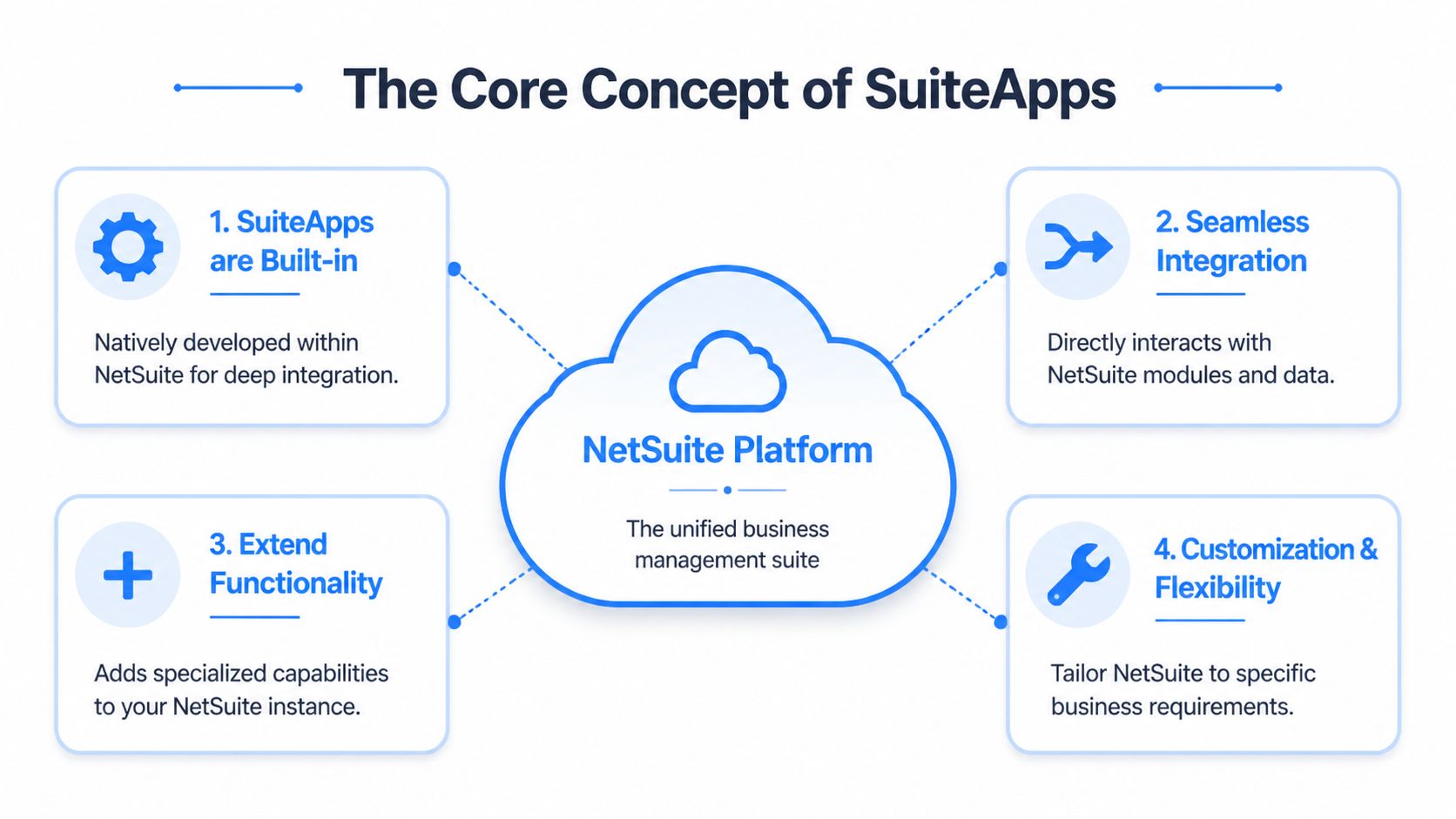
Understanding the Core Concept of SuiteApps
A lot of confusion comes from one simple issue. People use the word “integration” to describe very different things.
A true SuiteApp isn’t just connected to NetSuite. It’s built to run inside NetSuite’s architecture. That distinction matters more than most buyers realize.
The house analogy that makes this easier
Think of your NetSuite account as a house.
A native SuiteApp is like adding a new room to that house. It shares the same foundation, wiring, locks, and floor plan. You walk into it the same way you walk into the rest of the house.
An external integration is more like building a guesthouse in the backyard. It can still be useful, but it has separate systems and needs a walkway to connect it back to the main house. That walkway is where delays, sync issues, and maintenance headaches tend to show up.
What makes a SuiteApp native
NetSuite SuiteApps are native extensions built on the SuiteCloud Framework, so they operate within NetSuite’s architecture and share the same database and security model. They can use SuiteScript for custom logic and SuiteFlow for automation. Applications that earn the Built for NetSuite designation go through validation for performance, security, and upgrade compatibility, and this native model can reduce data reconciliation efforts by up to 100% compared with external integrations that suffer from sync delays, according to this explanation of SuiteApp vs NetSuite modules and native architecture.
That’s a dense sentence, so let’s translate it into plain English.
If a finance team uses a native extension for a process like invoice automation or advanced approval routing, they aren’t waiting for a separate system to catch up. The records, permissions, and interface live in the same environment. That lowers the chance that one system says “paid” while another still says “pending.”
Why finance teams care
For a new finance manager, the technical terms matter less than the practical result.
A native SuiteApp usually means:
- Less reconciliation work because data doesn’t need to shuttle between disconnected systems
- Fewer permission surprises because user access follows NetSuite’s security model
- Cleaner upgrades because marketplace apps with proper validation are built to stay compatible
- A more familiar user experience because your team stays in NetSuite rather than jumping between tabs
Practical rule: If the process depends on live ERP data and your team uses it every day, native usually beats connected.
That doesn’t mean external tools are bad. Some solve problems NetSuite wasn’t designed to solve. But when you’re evaluating a netsuite suite app, the first question should be whether the capability belongs inside the ERP or outside it.
Choosing Your NetSuite Extension Path
Not every requirement needs a SuiteApp. Sometimes the best answer is to use a built-in feature. Sometimes a lighter customization is enough. The hard part is knowing which path matches the problem.
Three paths most companies consider
Here’s the simple version:
-
Native Feature
Start here when NetSuite already does the job with configuration, saved searches, dashboards, roles, or workflow changes. -
SuiteBundle
Think of this as a packaged customization. It can be useful when you want to move custom records, forms, scripts, or configuration between accounts and support a narrower use case. -
SuiteApp
Choose this when you need a more complete product experience, marketplace distribution, formal vetting, and vendor-backed support.
NetSuite extensions compared
| Attribute | Native Feature | SuiteBundle | SuiteApp |
|---|---|---|---|
| Best use case | Standard processes that NetSuite already supports | Focused customizations or packaged account changes | Specialized business capability with broader product support |
| Installation effort | Usually configuration-based | Often lighter than a full application, but depends on what’s bundled | Installed as an application, usually with setup steps and permissions |
| Vendor support | NetSuite and your partner/admin team | Often depends on who built the bundle | Typically backed by the publisher, especially marketplace apps |
| Vetting level | Core platform capability | Varies by source | Marketplace SuiteApps can carry formal validation standards |
| Upgrade path | Managed within NetSuite releases | Can require review if custom logic is involved | Built for NetSuite apps are evaluated for upgrade compatibility |
| When to avoid | When your process is too specialized | When you need a polished product or ongoing product roadmap | When a simple configuration change already solves the issue |
How to decide without overbuying
A lot of buyers skip this step and jump straight to product demos. That’s how teams end up paying for a SuiteApp to solve a problem a saved search could have solved.
Ask these questions instead:
-
Is the process strategic or just inconvenient?
If it’s annoying but not central, keep the solution simple. -
Does this need ongoing vendor innovation?
If you want new releases, documentation, and support, a SuiteApp is usually the stronger fit. -
Will this touch critical financial or operational data?
If yes, native design and clean permissions matter more. -
Are we solving a process problem or a data capture problem?
Those aren’t the same thing. If the issue starts outside NetSuite with messy documents, you may also need a workflow that prepares data before it reaches the ERP. If that sounds familiar, this explanation of the NetSuite RESTlet API and system connectivity helps clarify where ERP extensions stop and inbound data handling begins.
Buy the smallest solution that fully solves the real problem. Don’t buy the biggest one that sounds impressive in a demo.
Finding and Evaluating the Right SuiteApp
Once you know you need a SuiteApp, the next risk is picking one too quickly.
The marketplace can feel straightforward at first. Search a keyword, skim a few listings, book a demo. But a solid evaluation has less to do with the sales page and more to do with fit, maintenance, and operational reality.
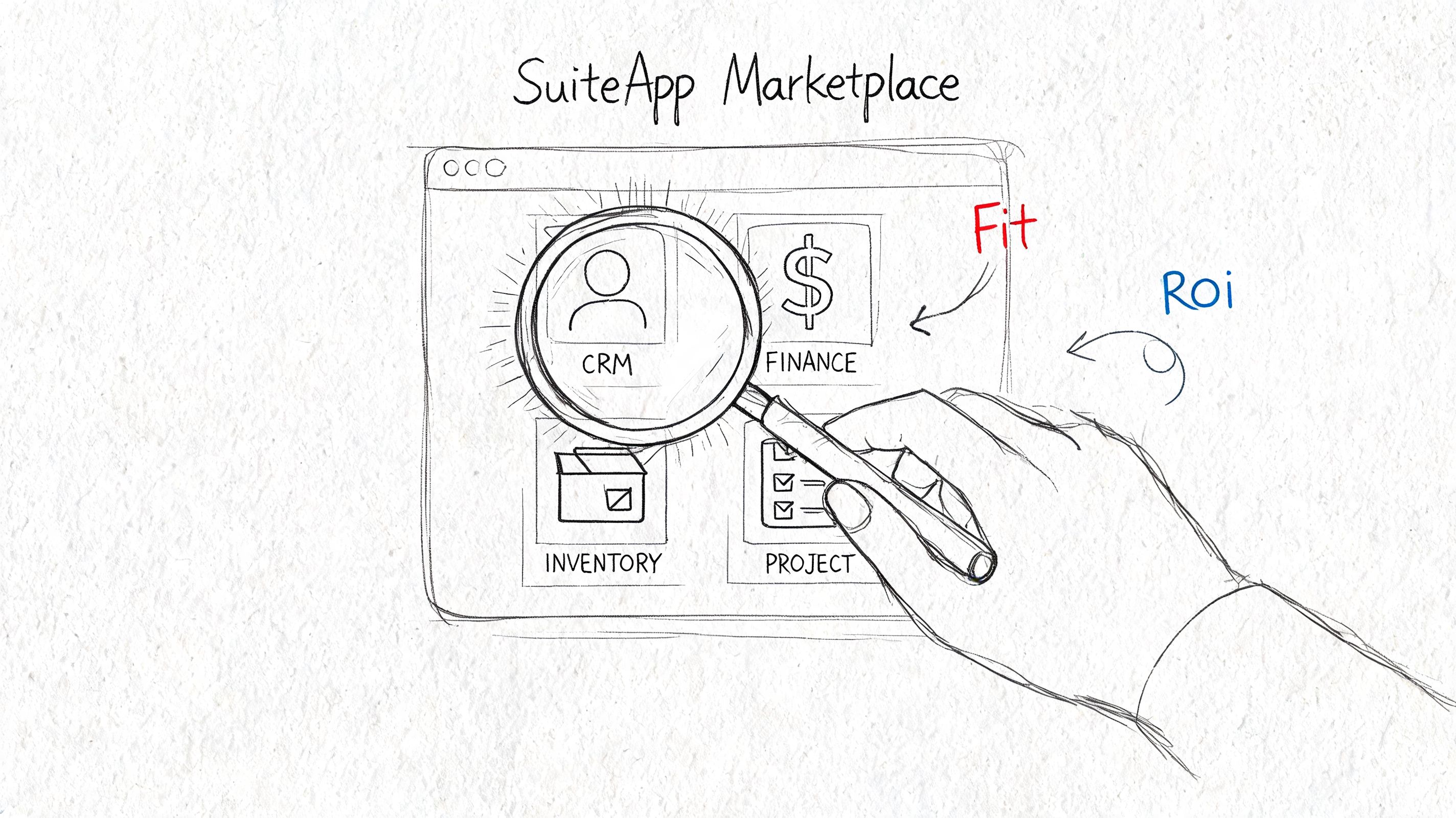
Start with the use case, not the catalog
Open the marketplace with a narrow brief.
Don’t search for “best finance app.” Search for the exact outcome you need, such as subscription metrics, AP automation, KPI benchmarking, commission tracking, or e-invoicing support. The clearer your use case, the easier it is to filter out apps that are impressive but irrelevant.
Write down the process in one sentence before you browse. For example: “We need NetSuite users to see recurring revenue metrics without maintaining separate spreadsheets.” That one sentence will keep the evaluation grounded.
A practical checklist for due diligence
Use a simple checklist when reviewing any netsuite suite app:
-
Confirm certification status
Check whether the app is clearly presented as Built for NetSuite if that designation matters to your governance process. -
Review support materials
Look for implementation guides, setup notes, permission requirements, and clear documentation. Thin documentation usually creates slow projects. -
Check update activity
An actively maintained app is a safer long-term choice than one that looks abandoned. -
Look past feature lists
Ask how the app behaves in your specific workflow. Features sound great in isolation. Operational fit is what matters. -
Request a demo using your scenario
Don’t accept a generic walkthrough. Ask the vendor to follow your process from beginning to end. -
Ask where the data starts
If the workflow begins with supplier files, invoices, proposals, or statements, ask how structured data gets into the app in the first place. Many teams miss this step. If your evaluation process includes comparing supplier submissions, this vendor proposal evaluation template guide is a useful way to tighten the business side of the review.
A short video can also help you get familiar with the marketplace context before you start vendor calls.
Questions that expose weak fits early
Here are the questions I’d ask before moving to a pilot:
- What setup is required inside roles and permissions?
- How does the app handle exceptions and incomplete records?
- What does the first month of support look like after go-live?
- What happens during NetSuite release cycles?
- Can we test with our own data shape, not just sample data?
The best vendors usually answer those clearly and quickly. The weaker ones drift back to generic product language.
Putting SuiteApps to Work in Your Department
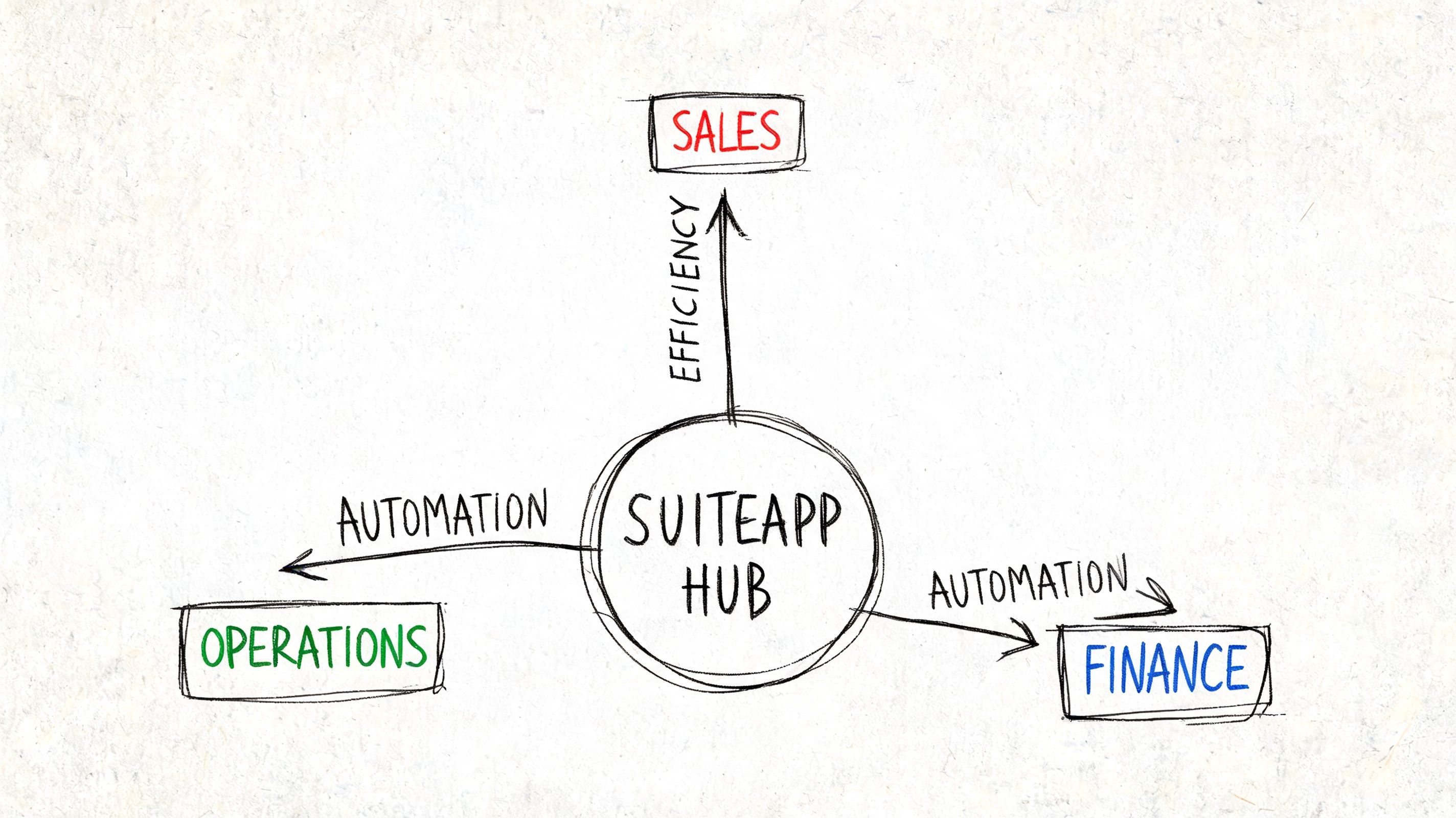
A SuiteApp becomes easier to understand when you stop thinking in product categories and start thinking in department problems.
Different teams use NetSuite differently. Accounting cares about clean postings, reporting, and control. Insurance teams care about extracting details accurately and tracking policies or commissions. Procurement teams care about comparing vendor inputs and keeping sourcing decisions organized.
For accounting and finance
Here, many leaders first see the value of a netsuite suite app.
For SaaS businesses, NetSuite’s Subscription Metrics SuiteApp gives finance leaders a real-time SaaS 360 Dashboard that tracks metrics such as MRR, ARR, churn, retention, bookings, lifetime value, total contract value, net revenue retention, CAC payback, and committed monthly recurring revenue, all within NetSuite, as described in Oracle’s overview of the Subscription Metrics SuiteApp.
That matters because recurring revenue reporting often becomes a spreadsheet side system when it isn’t handled properly in the ERP.
A finance manager can use that kind of app to answer practical questions fast:
- Are renewals offsetting churn?
- Is growth coming from new bookings or expansion?
- Are retention issues showing up before the quarter ends?
For performance management
Some teams already have dashboards but still lack context. Internal trends are useful, but they don’t tell you whether your performance is strong or just familiar.
NetSuite’s Benchmark 360 SuiteApp helps businesses compare KPI performance against industry and regional peers using the American Productivity & Quality Center (APQC) dataset. It includes measures such as Days Sales Outstanding, Days Payable Outstanding, Days Cash on Hand, Employee Turnover Rate, and Revenue per Full-Time Equivalent, as explained in this overview of Benchmark 360 for NetSuite.
If your DSO is drifting, trend charts show movement. Benchmarking shows whether the movement is acceptable.
That’s a useful distinction for CFOs and operations leaders who need to justify process changes, not just observe them.
For procurement and document-heavy workflows
Procurement teams often discover a different problem. The SuiteApp may manage suppliers well once the data is inside NetSuite, but the critical work starts before that. Vendor proposals arrive as attachments, PDFs, scans, and spreadsheets with inconsistent layouts.
That’s why many procurement workflows need two layers. One layer handles the business process inside NetSuite. Another handles the messy intake before the ERP record exists.
The same issue shows up in accounts payable. An AP automation SuiteApp can route and post data elegantly once fields are available, but someone still has to turn incoming files into usable values. If invoice volume is rising, this walkthrough of automated invoice processing is helpful for understanding the front end of that workflow.
For insurance and related operations
Insurance teams often work with statements, policy documents, and commission detail that don’t arrive in a clean format. In those environments, the ERP extension solves downstream visibility and control, while upstream extraction remains the hidden bottleneck.
That’s why the most effective NetSuite setups usually aren’t one tool deep. They’re process-driven stacks built around where the work actually starts.
Measuring SuiteApp Value and Ensuring Security
A finance manager usually asks two fair questions before approving any extension. Is it secure, and is it worth the spend?
Those questions should come before feature enthusiasm.
Security starts with architecture
Because SuiteApps run natively inside NetSuite, they inherit the platform’s user environment rather than forcing teams to manage a disconnected application with its own data layer. For finance and operations leaders, that usually means fewer surprises around access, process ownership, and auditability.
Still, “native” doesn’t mean “skip due diligence.” You should still review role permissions, implementation scope, and vendor support practices. Security gets stronger when architecture and governance line up.
ROI is bigger than labor savings
Too many business cases stop at “we’ll save time.” Time matters, but it’s rarely the full story.
A better ROI review looks at:
-
Error reduction
Fewer manual handoffs usually means cleaner financial records and less rework. -
Faster review cycles
Teams can move from gathering data to acting on it. -
Stronger compliance posture
Structured workflows are easier to monitor than email-and-spreadsheet chains. -
Better decision timing
A dashboard inside NetSuite is more useful than a report assembled after the fact.
Where AI fits, and where it still struggles
There’s growing interest in AI-driven SuiteApps, especially for document-heavy operations. But businesses still run into a practical problem. Unstructured documents like invoices don’t always convert cleanly into ERP-ready data.
NetSuite’s AI ecosystem is expanding, yet there’s still a gap when teams need to handle non-standard formats without custom coding. That’s why hybrid workflows matter. A no-code layer can extract and prepare document data before it enters the SuiteApp, which is especially helpful for non-technical procurement and insurance teams, as noted in this discussion of AI-driven SuiteApps and workflow gaps.
Good ROI often comes from reducing exceptions, not just speeding up the happy path.
When you build the business case that way, a SuiteApp becomes easier to justify because you’re tying it to operational outcomes, not just software features.
Overcoming Common SuiteApp Hurdles
Even a good SuiteApp can frustrate a team if the workflow assumptions don’t match reality.
The first hurdle is usually setup. Permissions are incomplete, roles aren’t aligned, or users expect the app to solve a process issue that starts before data reaches NetSuite. Most implementation friction comes from that mismatch, not from the app itself.
When the app is strict and your documents aren’t
A major example is e-invoicing. Oracle’s PEPPOL-ready e-invoicing guidance lists unsupported elements such as Description, Subtotal, Payment, Group, and Gift Certificate item types, along with restrictions around multiple discounts or markups per line and tax groups on invoices or credit memos. Those limitations can trigger validation errors, as shown in Oracle’s documentation for the Singapore PEPPOL-ready e-invoicing SuiteApp.
That’s not a minor edge case. Real invoices often contain exactly those kinds of variations.
What to do when this happens
Use a practical triage approach:
-
Check whether the problem is a SuiteApp rule or a setup error
If the input format is unsupported, no amount of user retraining will fix it. -
Identify the offending document patterns
Subtotals, payment lines, grouped items, and unusual discount structures are common culprits. -
Create a pre-processing step
If the SuiteApp requires cleaner structure than your source documents provide, normalize the data before submission. -
Test exceptions early
Don’t wait for production volume to reveal edge cases.
Think of the SuiteApp as the engine. If incoming documents are inconsistent, you need a refining step before the data reaches that engine. Teams that understand this early usually avoid the worst manual workaround cycles.
Making NetSuite Truly Work for You
NetSuite doesn’t need to do everything out of the box to be the right ERP. It needs to be extensible in the right places.
That’s the core value of a netsuite suite app. It lets you shape the system around the work your team performs, whether that means recurring revenue analytics, benchmarking, approval automation, or industry-specific workflows. The smartest buyers don’t chase the longest feature list. They choose the extension path that fits the process, the data, and the risk.
Think back to the house analogy. NetSuite gives you the structure. SuiteApps help you build the rooms your business needs. The better your planning, the more natural that finished space feels to the people using it every day.
When you evaluate SuiteApps this way, you stop asking, “What apps are available?” and start asking, “What workflow are we trying to fix?” That’s the question that leads to better decisions.
If your NetSuite process still depends on people retyping data from invoices, statements, proposals, or policy documents, DocParseMagic can help you clean that data before it reaches your ERP workflow. It’s a no-code way to turn messy business files into structured, analysis-ready tables your team can review, import, and act on faster.