The 12 Best Receipt Scanning Apps for Businesses in 2025
That overflowing shoebox of faded paper receipts is a familiar source of dread for freelancers, operations managers, and accounting teams alike. Come month-end or tax season, the manual process of sorting, entering, and reconciling each expense is not just tedious; it's a significant drain on productivity and a major risk for data entry errors. This is the exact problem that the best receipt scanning apps are designed to solve permanently.
These tools transform your smartphone into a powerful financial data capture device. Using Optical Character Recognition (OCR) technology, they instantly pull key details like vendor names, dates, and amounts from a simple photo of a receipt. The data is then digitized, categorized, and prepared for export, turning a cluttered desk drawer into a clean, searchable, and audit-ready digital archive. Beyond just managing receipts, these applications are a key component of a larger strategy to implement accounting process automation, leading to significant time and cost savings.
This guide provides an in-depth, honest comparison of the 12 leading receipt scanning apps available today. We'll move beyond marketing claims to evaluate core features, OCR accuracy, available integrations, and pricing structures. Our goal is to give you the clarity needed to choose the right tool for your specific workflow, whether you're a solo freelancer tracking mileage, a procurement team comparing vendor terms, or a large enterprise managing employee expense reports. Each review includes screenshots and direct links to help you find the perfect fit for your financial management needs.
1. Shoeboxed
Shoeboxed is a veteran in the receipt management space, offering a unique blend of digital tools and physical services that make it one of the best receipt scanning apps for businesses drowning in paper. Its standout feature is the "Magic Envelope" service, allowing US-based users to mail in a backlog of paper receipts, business cards, and other documents for human-verified digitization. This makes it an ideal solution for teams that need to outsource the tedious task of manual data entry, ensuring high accuracy for critical financial records.
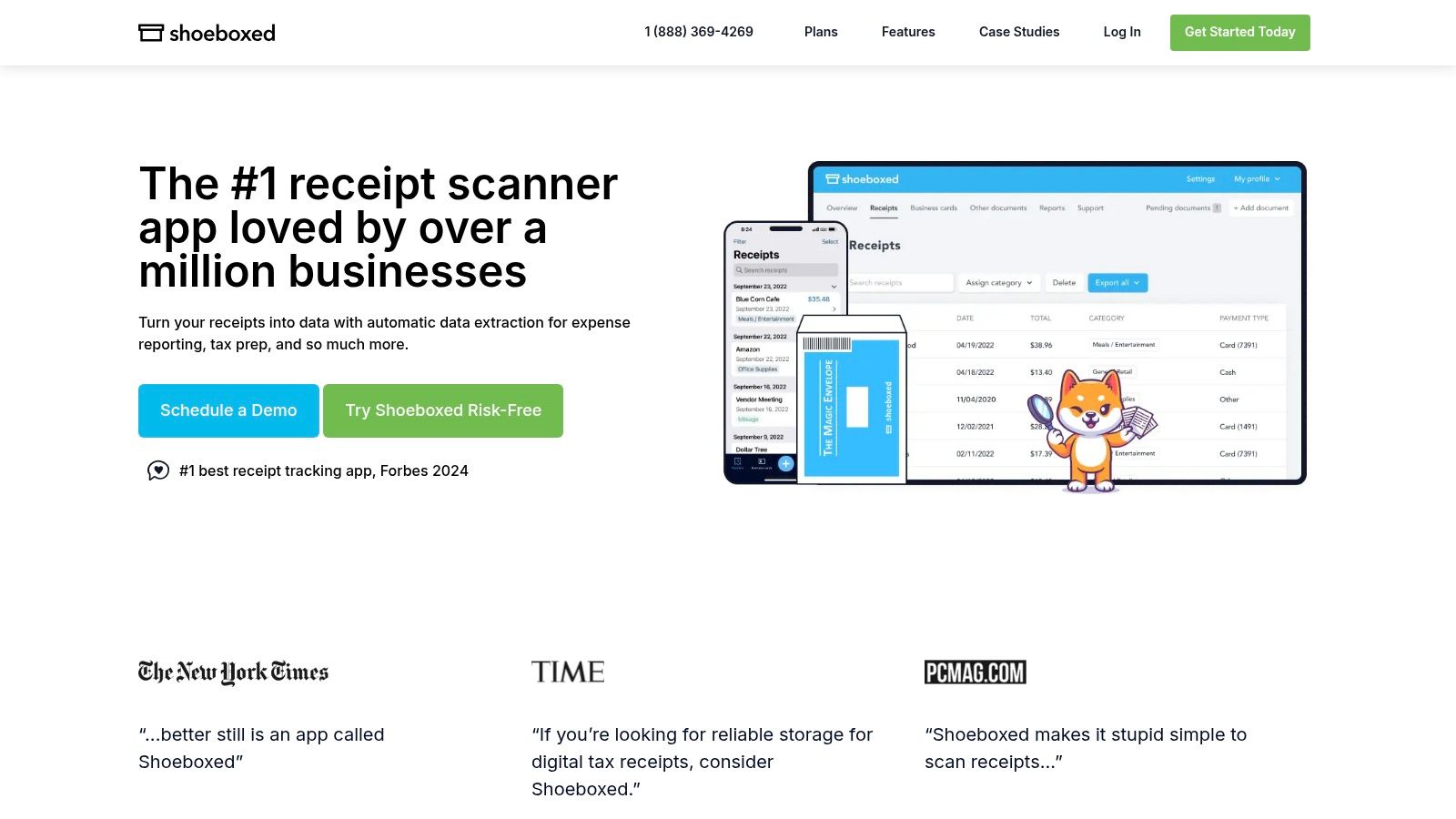
The platform also provides robust digital options, including mobile apps with OCR scanning, email forwarding, and integrations with accounting software like QuickBooks Online and Xero. The human verification process ensures that the digitized documents are IRS-accepted and audit-ready, a key benefit for bookkeepers and small business owners. Understanding these features can help you determine the best way to organize your business receipts.
Key Features & Use Case
- Best For: Freelancers, bookkeepers, and small teams needing to outsource a large paper backlog.
- Unique Offering: The "Magic Envelope" mail-in service with human-verified data extraction. This service includes free two-way postage within the United States.
- Integrations: Connects directly with QuickBooks Online, Xero, and other business software to streamline accounting workflows.
- Pricing: Plans start around $29/month, with tiers based on the number of physical or digital documents processed.
| Pro | Con |
|---|---|
| Human verification ensures high accuracy. | Mail-in service is limited to the US. |
| Creates IRS-accepted, audit-ready scans. | Plans have strict quotas on document processing. |
| Excellent for clearing paper backlogs. | Can be pricier than purely digital solutions. |
2. Expensify
Expensify is a comprehensive expense management platform that excels at integrating powerful receipt capture into a broader workflow. Its core strength lies in its patented “SmartScan” technology, an AI-driven OCR that automatically extracts merchant, date, and amount information from a photo. This feature positions Expensify as one of the best receipt scanning apps for teams that need more than just digitization; they need a full system for expense reporting, approvals, and reimbursement. The platform supports multiple intake methods, including mobile app scanning, email forwarding, and even a unique text-to-receipt feature for US users.
Beyond simple scanning, Expensify offers robust features for growing businesses, such as corporate card reconciliation, multi-level approval workflows, and administrative controls. The ability to handle batch uploads and desktop drag-and-drop makes it efficient for users who accumulate receipts before processing them. This integrated approach simplifies the entire expense lifecycle, from the initial scan to final reimbursement and accounting sync, making it a go-to choice for small and mid-sized businesses looking to streamline their financial operations.
Key Features & Use Case
- Best For: Small to mid-sized businesses and teams needing an all-in-one expense management and receipt tracking solution.
- Unique Offering: Patented SmartScan AI for highly accurate, automated data extraction and categorization. The text-to-receipt function (US only) provides a quick capture method without opening an app.
- Integrations: Deep integrations with major accounting software like QuickBooks, Xero, and NetSuite, as well as HR and travel platforms.
- Pricing: A simple "Collect" plan is available for SMBs at around $5 per active user per month, with more advanced plans available.
| Pro | Con |
|---|---|
| Multiple intake methods (app, text, email) add convenience. | Some users report frustrations with the UX and support. |
| AI-powered SmartScan ensures high data accuracy. | Can be more complex than a simple standalone scanner. |
| Frequent product updates and platform maturity. | Focus is on full expense management, not just scanning. |
Visit Expensify
3. QuickBooks Online (Receipt Capture)
For businesses already embedded in the Intuit ecosystem, the native Receipt Capture feature within QuickBooks Online is one of the best receipt scanning apps due to its seamless integration. Instead of a standalone service, it’s a built-in tool that allows users to snap photos of receipts directly through the QBO mobile app, forward them via email, or upload them. The platform uses OCR to automatically extract key data like the vendor, date, and amount, creating a transaction draft ready for review.
The primary advantage is its ability to match these digitized receipts directly against your bank feed transactions, which simplifies reconciliation and bookkeeping. This tight integration eliminates the need for manual data entry or exporting data between different applications, making it an efficient solution for existing QBO subscribers. By leveraging this feature, businesses can simplify how to track business expenses within the software they already use for accounting.
Key Features & Use Case
- Best For: Small businesses and sole proprietors who already use QuickBooks Online for their accounting.
- Unique Offering: Direct integration with the QuickBooks accounting ledger and bank feed matching, which automates a large part of the expense reconciliation process.
- Integrations: Native to the QuickBooks ecosystem, it doesn't require third-party connections for its core function.
- Pricing: Included with all QuickBooks Online subscriptions, starting around $30/month for the Simple Start plan.
| Pro | Con |
|---|---|
| Seamlessly integrated into QuickBooks accounting software. | Only available to QuickBooks Online subscribers. |
| Automatically matches receipts to existing bank transactions. | OCR and capture features are less advanced than dedicated apps. |
| No additional subscription fee required for QBO users. | Mobile app is required for direct scanning; no web scan. |
4. Zoho Expense
Zoho Expense is an end-to-end expense management tool that shines brightest for businesses already invested in the Zoho ecosystem. As one of the best receipt scanning apps for integrated finance operations, it offers a powerful suite of features designed to automate everything from receipt capture to reimbursement. The platform provides multiple ways to digitize expenses, including mobile autoscan, email forwarding, and bulk imports, making it highly flexible for teams with diverse workflows.

Its true value emerges from its seamless integration with other Zoho applications like Zoho Books and Zoho CRM, creating a unified system for managing company finances. Beyond just scanning, it supports structured approval hierarchies, per diem tracking, and real-time corporate card feeds for users in the US and other select regions. This comprehensive approach simplifies the entire expense reporting process, from the employee's submission to the finance team's final approval.
Key Features & Use Case
- Best For: Businesses already using the Zoho suite of applications or seeking a cost-effective, all-in-one expense management solution.
- Unique Offering: Deep integration with the Zoho ecosystem, providing a unified finance and operations platform. Generous autoscan limits are often available on free or introductory tiers.
- Integrations: Native connections to Zoho Books, Zoho CRM, QuickBooks, and Xero.
- Pricing: Offers a free plan with limits. Paid plans start around $3 per active user/month, with tiers based on features and scan volume.
| Pro | Con |
|---|---|
| Strong value when used with other Zoho applications. | Occasional scanner or email-in reliability issues. |
| Generous autoscan options on free or introductory tiers. | Scan and feature limits apply on lower-tier plans. |
| Comprehensive expense management beyond scanning. | The interface may feel complex if only using scanning. |
5. SAP Concur Expense
SAP Concur Expense is an enterprise-grade travel and expense (T&E) management platform designed for large organizations with complex, global needs. While more than just a simple scanner, its mobile receipt capture is a core component of a much larger ecosystem for controlling corporate spend. The platform excels at automating the entire expense reporting process, from capturing a receipt on the road to reimbursing an employee, all while enforcing company spending policies in real-time. This makes it one of the best receipt scanning apps for multinational corporations or companies with strict compliance requirements.
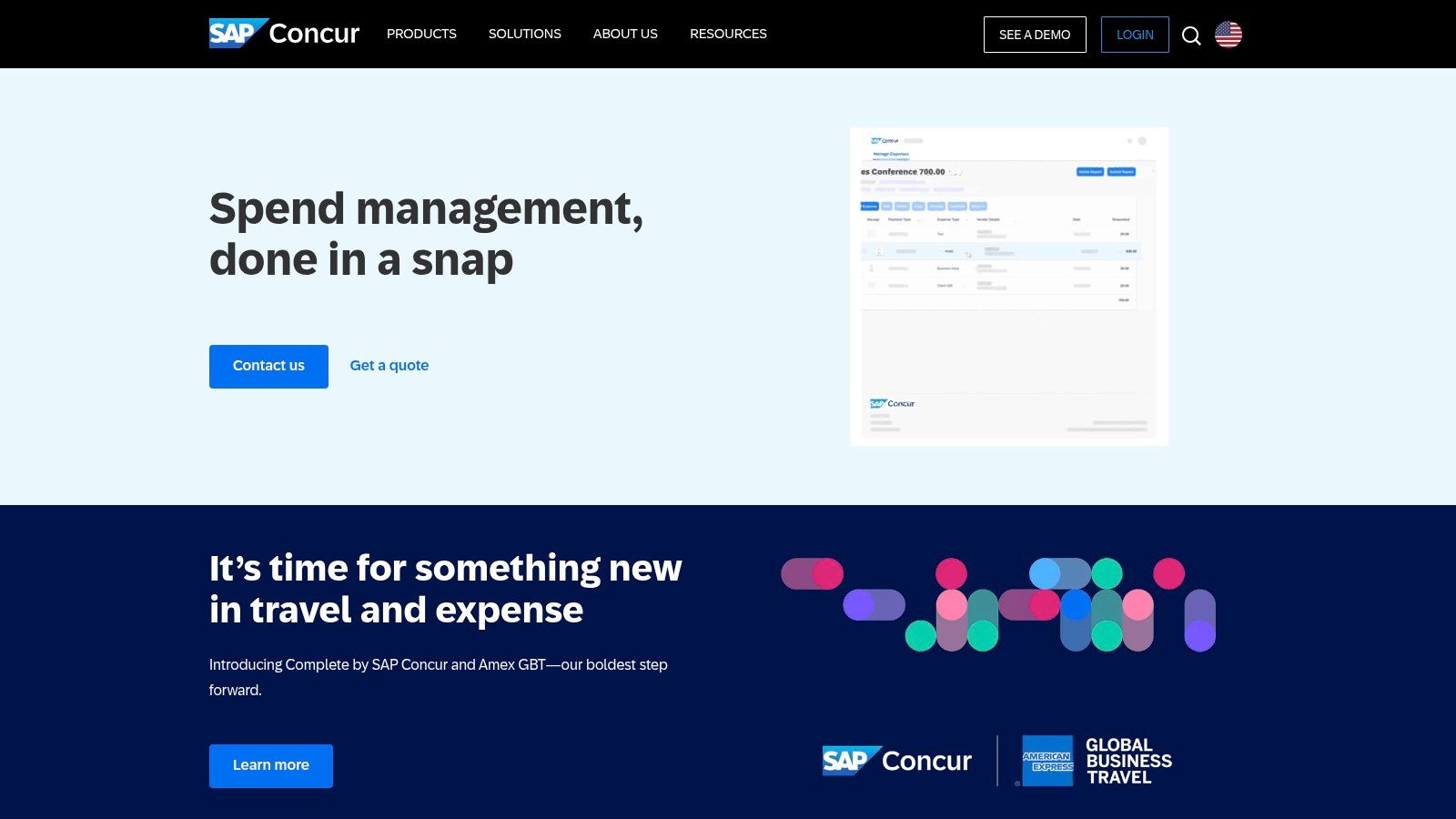
The system automatically creates expense lines from scanned receipts and populates them with key data, which then flow through multi-level approval workflows. Its powerful analytics and reporting tools give finance leaders deep visibility into company-wide spending patterns. By integrating directly with enterprise resource planning (ERP) systems, corporate credit cards, and travel booking tools, it creates a single, unified system for managing all employee-initiated expenses.
Key Features & Use Case
- Best For: Large, multinational enterprises and mid-sized companies with complex expense policies and approval workflows.
- Unique Offering: A fully integrated T&E ecosystem that combines travel booking, expense management, and invoicing in one platform with powerful policy enforcement.
- Integrations: Deep, native integrations with ERP systems like SAP, Oracle, and NetSuite, as well as HR and CRM platforms.
- Pricing: Custom quote-based pricing tailored to the organization's size and specific needs.
| Pro | Con |
|---|---|
| Scales effectively for complex, global organizations. | Pricing is quote-based and can be expensive for smaller teams. |
| Mature controls, compliance features, and reporting. | Can be overkill for simple or very small expense workflows. |
| End-to-end automation from receipt to reimbursement. | Implementation can be more complex than simpler apps. |
6. Genius Scan (The Grizzly Labs)
Genius Scan is a powerful and privacy-forward mobile document scanner that excels at more than just receipts. Designed for professionals who need a reliable, high-quality scanning tool on the go, it offers fast batch scanning, smart perspective correction, and image enhancement to ensure every capture is clear and legible. Its focus on device-centric processing makes it a strong choice for individuals and small businesses prioritizing data security.
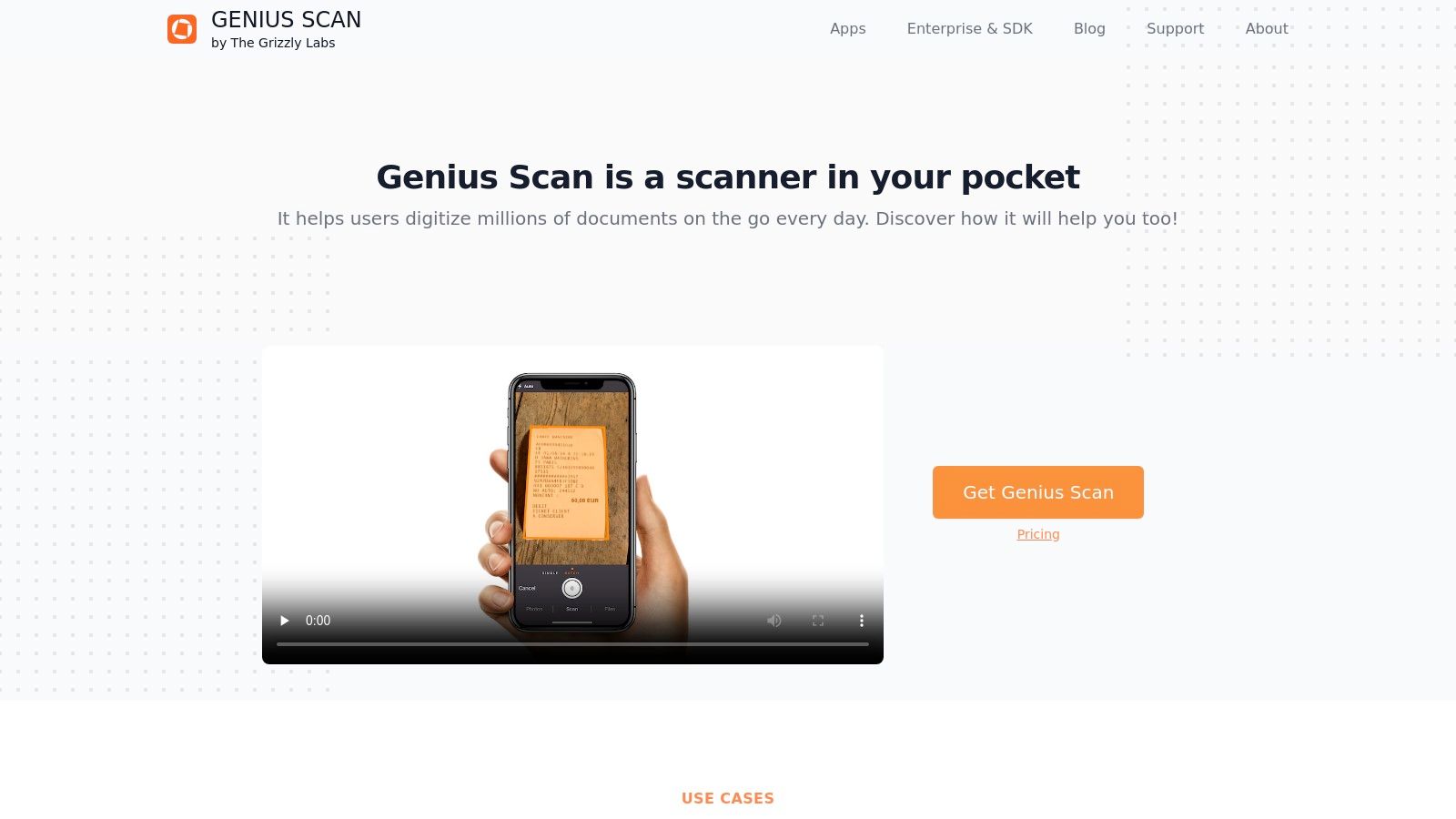
While the free version provides unlimited high-quality scans, the Genius Scan+ and Ultra subscriptions unlock its full potential for expense management. These tiers add on-device OCR for text recognition, smart document renaming, and automatic cloud exporting to services like Dropbox, Google Drive, and OneDrive. This makes it one of the best receipt scanning apps for solo professionals who want a versatile tool that handles both receipts and other important documents with speed and precision.
Key Features & Use Case
- Best For: Solo professionals, freelancers, and consultants who need a versatile mobile scanner for various documents, including receipts.
- Unique Offering: A privacy-first approach with on-device processing and a one-time purchase option (Genius Scan+) for core features, which is rare in the subscription-heavy app market.
- Integrations: Exports multi-page PDF or JPG files to Dropbox, Google Drive, OneDrive, Evernote, Box, and other cloud services.
- Pricing: A free version with unlimited scans. Genius Scan+ is a one-time purchase (around $9.99), while the Genius Scan Ultra subscription (around $29.99/year) adds cloud sync, web access, and advanced features.
| Pro | Con |
|---|---|
| Privacy-forward design with on-device OCR processing. | Does not automatically extract structured receipt data (vendor, total). |
| Fast batch scanning with excellent image correction. | Advanced features like OCR and cloud sync require a subscription. |
| Unlimited high-quality scans on the free tier. | Lacks direct integrations with accounting software like QuickBooks. |
7. CamScanner
CamScanner is a widely recognized mobile scanning powerhouse, evolving from a simple document digitizer into one of the best receipt scanning apps for users who need versatility. While not a dedicated expense tracker, its strength lies in its ability to handle a high volume of mixed document types, from receipts and invoices to contracts and whiteboards. It offers powerful image enhancement and auto-cropping features that produce clean, professional-looking PDFs and JPEGs from your smartphone camera.
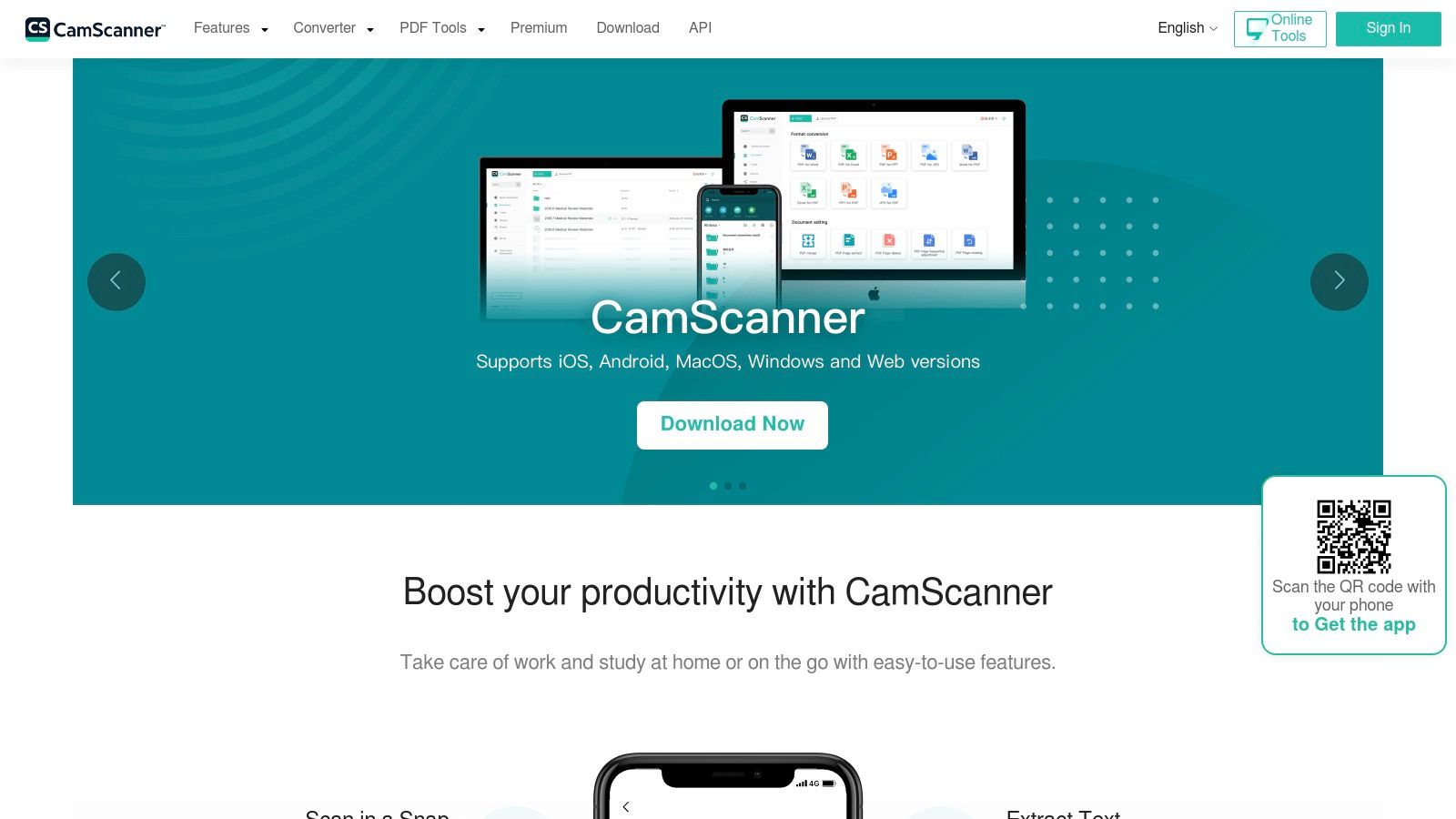
The app excels at creating multipage PDFs and making documents searchable through its robust OCR technology. This allows users to quickly find specific text within their scanned files, a useful feature for locating transaction details or vendor names. Understanding the core technology can help you appreciate its capabilities; you can learn more about what optical character recognition is and how it powers these tools. CamScanner's straightforward export options to cloud services like Google Drive and Dropbox make it a practical choice for individuals and teams needing a general-purpose digital filing cabinet.
Key Features & Use Case
- Best For: Individuals, students, and professionals who need a powerful all-in-one scanner for various documents, including receipts.
- Unique Offering: Advanced image processing with auto-enhancement and a suite of editing tools, plus the ability to add annotations and watermarks.
- Integrations: Exports easily to Google Drive, Dropbox, Evernote, OneDrive, and other cloud storage services.
- Pricing: Offers a free version with limitations; premium plans start at a low monthly price, though annual plans on some platforms may have price increases after the first year.
| Pro | Con |
|---|---|
| Excellent for scanning various document types. | Not specialized for expense or accounting workflows. |
| Robust editing, annotation, and export tools. | Lacks direct integrations with accounting software. |
| Low-cost entry point for premium features. | Annual pricing can increase after the initial year. |
8. Veryfi
Veryfi is an AI-powered platform designed for high-speed, high-volume data extraction, making it one of the best receipt scanning apps for businesses prioritizing speed and accuracy. It serves two distinct audiences: teams needing a ready-made expense management solution and developers who want to embed powerful OCR capabilities into their own applications via its API and Lens SDK. This dual offering makes it uniquely flexible for growing companies and tech-forward industries.
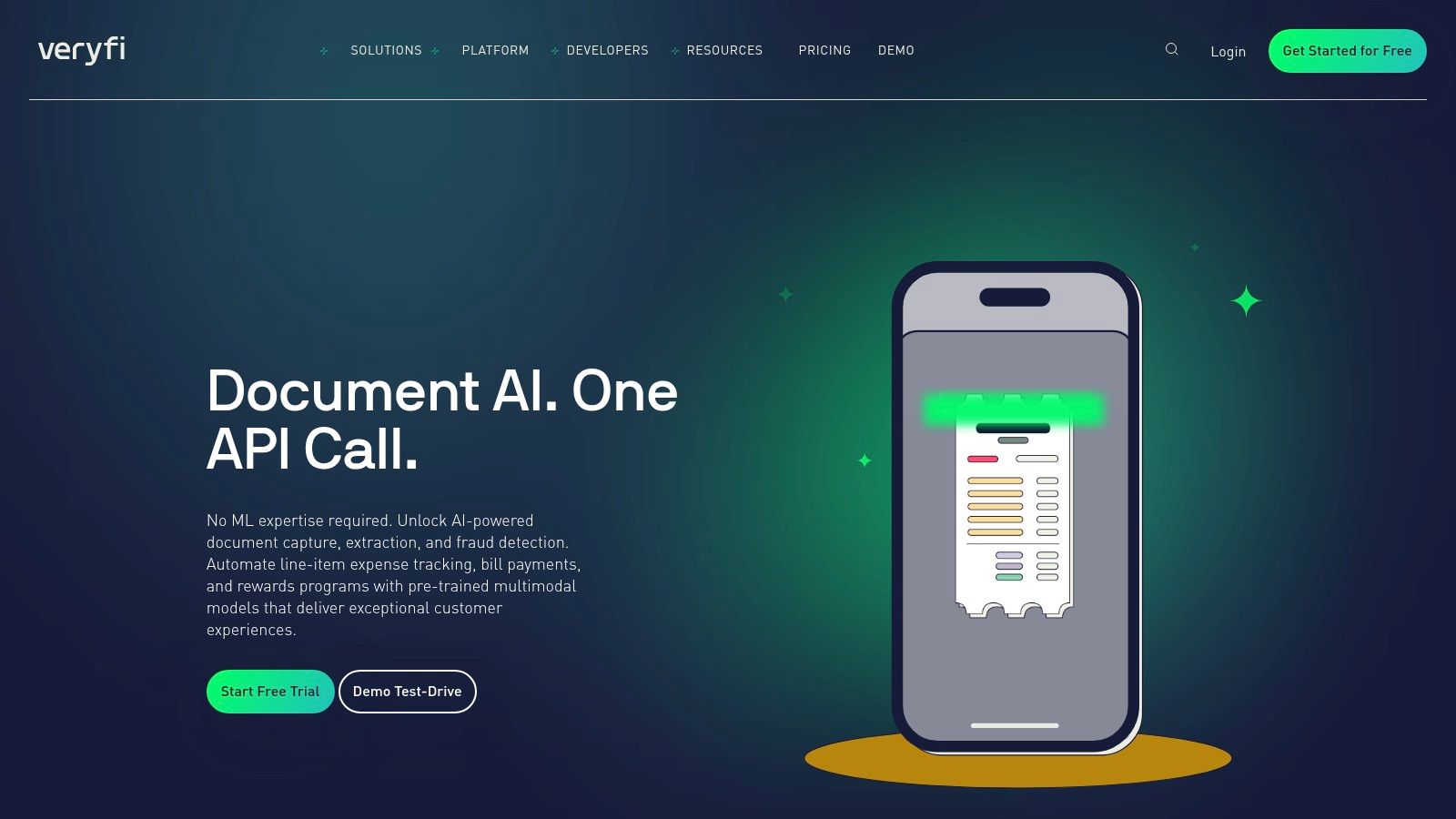
The platform's standout feature is its near-instant OCR, which captures not just totals but also detailed line-item data from receipts, bills, and invoices. For businesses in construction, logistics, or field services, Veryfi excels at job and project costing, allowing expenses to be allocated directly to specific projects. Its security and compliance (including HIPAA and GDPR) also make it a trusted choice for industries handling sensitive data.
Key Features & Use Case
- Best For: Field service teams, contractors, and developers needing fast, embeddable OCR.
- Unique Offering: A powerful OCR API and Lens SDK for developers to build custom data capture solutions, alongside a full-featured expense management app for end-users.
- Integrations: Offers deep integrations with QuickBooks (Desktop and Online), Xero, Sage, and other enterprise systems.
- Pricing: The expense management app is priced per active user, starting around $25/month. The API has its own usage-based pricing with monthly minimums.
| Pro | Con |
|---|---|
| Extremely fast OCR with accurate line-item extraction. | Expense app pricing is per active user, which can add up. |
| Flexible solution for both end-users and developers. | API pricing may be a high entry point for smaller projects. |
| Strong project and job costing capabilities. | Primarily focused on data capture, less on approval flows. |
| Compliant with GDPR, HIPAA, and CCPA for enhanced data security. | Can be more complex than simpler, individual-focused apps. |
9. Smart Receipts
Smart Receipts is a lightweight, privacy-focused receipt scanner designed for individuals and professionals who prioritize offline access and straightforward data export. It operates on a local-first model, meaning your receipt data stays on your device unless you choose to back it up. This makes it an excellent choice for users concerned about data privacy or those who frequently work without a stable internet connection. The app’s core function is to capture receipt details and organize them for easy export into customizable reports.
Unlike larger enterprise platforms, Smart Receipts focuses on simplicity and direct functionality. Users can quickly scan receipts, let the OCR extract key information like merchant and total, and then organize entries using folders and tags. When it's time for reimbursement or tax filing, the app generates clean PDF, CSV, or ZIP reports. Its minimalist interface and reliable offline capabilities make it one of the best receipt scanning apps for those who need a no-frills digital filing cabinet for their expenses.
Key Features & Use Case
- Best For: Individuals, freelancers, and small business owners who need a simple, offline-capable tool for expense tracking and reporting.
- Unique Offering: A strong emphasis on privacy with local-first data storage. Cloud backup (via Dropbox) is an optional feature in the Pro version, not a requirement.
- Integrations: Primarily focused on data export rather than direct software integrations. It generates reports in universal formats like PDF and CSV for easy importing.
- Pricing: A free version is available with core features. The Pro version, which unlocks unlimited scanning and cloud backup, is a one-time purchase.
| Pro | Con |
|---|---|
| Privacy-first approach with local storage. | Lacks native integrations with major accounting software. |
| Works completely offline for scanning and management. | Unlimited scanning and backups require upgrading to the Pro plan. |
| Simple, intuitive interface with a minimal learning curve. | OCR is functional but may be less powerful than premium competitors. |
10. Rydoo
Rydoo is a modern business expense management platform designed to streamline receipt and expense tracking for small to mid-sized teams. It moves beyond simple scanning to offer a full suite of tools for managing company spending, including policy enforcement and multi-level approvals. Its standout feature is the unlimited expense model, which simplifies billing by charging per active user rather than by the number of receipts processed, making it predictable and scalable for growing businesses.

The platform offers multiple ways to capture expenses, including a mobile app with OCR scanning, email forwarding, and direct web uploads. Rydoo also excels in handling international business needs with features for per-diem rates and mileage tracking that comply with regulations in various countries. This focus on compliance and control makes it one of the best receipt scanning apps for teams that need more than just data extraction and require a robust expense management framework.
Key Features & Use Case
- Best For: SMBs and mid-market companies needing an all-in-one expense management solution with built-in compliance.
- Unique Offering: An unlimited expense model billed per active user, providing cost predictability regardless of transaction volume.
- Integrations: Connects with major accounting and ERP systems like NetSuite, Xero, and QuickBooks to automate financial workflows.
- Pricing: Self-service plans require a 5-user minimum, with pricing starting around $12 per user/month.
| Pro | Con |
|---|---|
| Unlimited expense entries offer great value. | 5-user minimum on starter plans may not suit solos. |
| Strong compliance and approval workflow features. | Some advanced features and add-ons cost extra. |
| Flexible intake options (mobile, email, web). | Can be more complex than a simple scanning tool. |
11. Emburse Professional (formerly Certify Expense)
Emburse Professional, which was previously known as Certify Expense, is a mature expense management platform designed for small to mid-market companies needing more than just basic receipt scanning. It positions itself as a robust alternative to tools like Concur or Expensify by offering a comprehensive suite for controlling company spending. The platform combines mobile receipt capture using AI-assisted OCR with powerful policy enforcement, multi-level approval workflows, and detailed analytics reporting, making it a strong contender among the best receipt scanning apps for growing businesses.
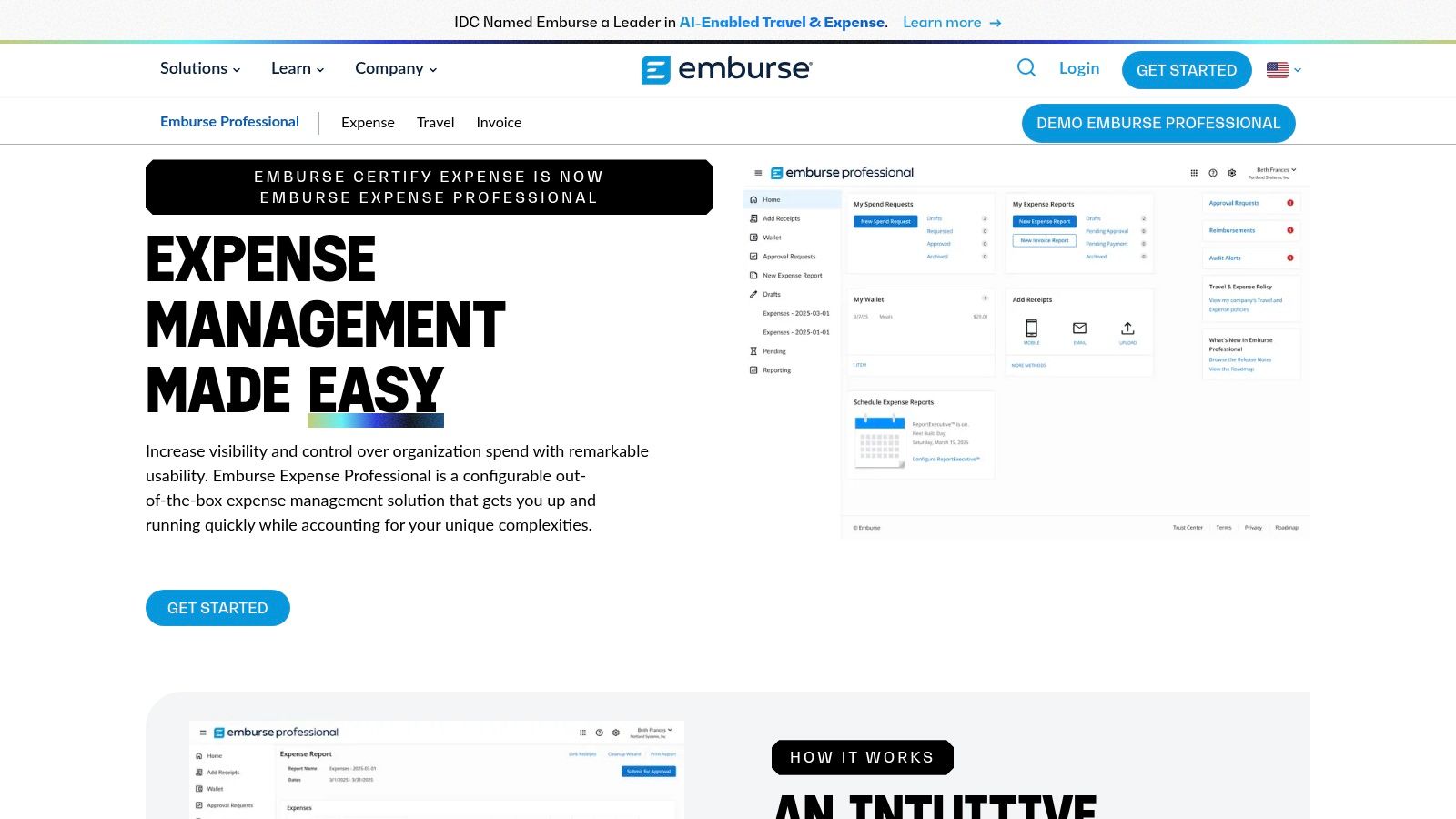
The system simplifies expense reporting for employees with features like mobile apps and email receipt forwarding, while providing finance teams with the control and visibility they need. Its AI-powered engine automatically populates expense details from receipts, reducing manual data entry and ensuring compliance with spending policies before submission. This focus on automation and control makes it an excellent choice for organizations looking to streamline their entire expense management process from capture to reimbursement.
Key Features & Use Case
- Best For: SMBs and mid-market companies seeking an all-in-one expense management solution with policy controls.
- Unique Offering: A combination of AI-driven receipt data extraction and integrated travel management features, providing a holistic view of T&E spend.
- Integrations: Connects with major accounting systems like NetSuite, QuickBooks, Sage Intacct, and others, as well as corporate credit card providers.
- Pricing: Pricing is customized and typically requires a quote based on the organization's size and needs.
| Pro | Con |
|---|---|
| Robust feature set for expense and travel management. | Pricing is not transparent and requires a direct quote. |
| Strong policy enforcement and approval workflow options. | Can be more complex than simpler, scan-only apps. |
| Multiple integrations with accounting and ERP systems. | May be overkill for freelancers or very small teams. |
12. SparkReceipt
SparkReceipt is a modern, AI-powered receipt scanner designed for individuals and small businesses looking for an affordable yet powerful solution. Its core strength lies in its intelligent data extraction, which automatically pulls key details from receipts and invoices, assigns categories, and supports over 150 currencies. This makes it an excellent choice for freelancers and small teams who need to manage expenses without a steep learning curve or high costs.

The platform offers a clean user experience across its web and mobile apps, simplifying the process of tracking expenses on the go. Features like email forwarding for digital receipts and direct sharing with an accountant streamline the entire workflow from capture to bookkeeping. With a generous free plan and attractive pricing for its paid tiers, SparkReceipt stands out as one of the best receipt scanning apps for those prioritizing simplicity and AI efficiency.
Key Features & Use Case
- Best For: Individuals, freelancers, and small businesses seeking a user-friendly, AI-driven tool with low entry costs.
- Unique Offering: AI-powered auto-categorization and extensive multi-currency support (150+ currencies), ideal for users with international expenses.
- Integrations: Connects with QuickBooks, Google Drive, and allows for easy data export to CSV, PDF, and Excel formats.
- Pricing: A free plan is available (15 AI scans/month), with paid plans starting at a low annual price for individual users.
| Pro | Con |
|---|---|
| Very affordable pricing with a functional free tier. | Newer, smaller vendor compared to established players. |
| Clean, intuitive web and mobile app interfaces. | Free plan is quite limited for heavy business use. |
| Simplifies sharing records with an accountant. | Feature set is still evolving. |
Top 12 Receipt Scanning Apps — Feature Comparison
| Product | Key features ✨ | Quality ★ | Best for 👥 | Price / Value 💰 | Standout 🏆 |
|---|---|---|---|---|---|
| Shoeboxed | Mail-in Magic Envelope; human-verified OCR; email/apps; QBO/Xero | ★★★★ | Freelancers, bookkeepers & teams handling paper backlogs | Plan-based scan quotas; pay-per-scan extras | True paper-outsourcing & audit-ready scans |
| Expensify | SmartScan AI; batch uploads; text-to-receipt; card reconciliation | ★★★★ | SMBs & finance teams needing integrated expense workflows | $5/user Collect option; team pricing | Seamless card reconciliation & expense flow |
| QuickBooks Online (Receipt Capture) | Mobile receipt snap; email-in; OCR; bank-feed matching | ★★★★ | QuickBooks customers & accountants | Included with QuickBooks subscription | Native capture + automatic transaction matching |
| Zoho Expense | Autoscan, bulk imports, approvals, mileage & multi-language OCR | ★★★☆ | Zoho ecosystem users & value-focused teams | Strong value within Zoho; limits on lower tiers | Best value when integrated with Zoho apps |
| SAP Concur Expense | Mobile/email capture; policy enforcement; global compliance | ★★★★ | Large enterprises & global T&E programs | Quote-based — can be expensive for small teams | Enterprise-grade controls & global scale |
| Genius Scan | Fast batch scanning; perspective correction; OCR & cloud export | ★★★★ | Solo professionals and privacy-conscious users | Free tier (unlimited scans); Ultra annual for OCR/sync | Privacy-first, reliable mobile scanning |
| CamScanner | Auto-crop/enhance; multipage PDFs; OCR; cloud exports | ★★★☆ | General users needing versatile document scans | Low monthly options; watch renewal pricing | Robust editing/export for varied docs |
| Veryfi | Ultra-fast OCR, line-item extraction; APIs & SDKs; sync to QBO/Xero | ★★★★ | High-volume capture, contractors & developers | Per-user app pricing; API monthly minimums | High-speed OCR + embeddable developer APIs |
| Smart Receipts | OCR (merchant/date/total); folders/tags; PDF/CSV exports; offline | ★★★★ | Individuals tracking expenses & tax records | Free basic; Pro for cloud backup/unlimited scans | Offline-first, privacy-focused exports |
| Rydoo | Mobile OCR, mileage/per-diem, approvals, multi-country compliance | ★★★★ | SMBs to mid-market teams needing compliance | Competitive per-user; 5-user minimum on self-serve | Unlimited expense entries with compliance features |
| Emburse Professional | AI-assisted OCR; approvals; policy controls; card feeds | ★★★★ | SMBs & mid-market seeking full-featured expense tools | Quote-based / variable pricing | Robust SMB-mid market feature set |
| SparkReceipt | AI extraction & auto-categorize; multi-currency; CSV/PDF/Excel exports | ★★★☆ | Individuals & small teams looking for low-cost scanner | Low annual price; free tier (limited scans) | Affordable individual plans + accountant sharing |
Final Thoughts
We've explored a wide range of the best receipt scanning apps available today, from comprehensive expense management suites like SAP Concur to focused, powerful scanning tools like Genius Scan. The digital shoebox has officially replaced the physical one, and the right technology can transform how your team handles financial data, saving countless hours and reducing costly human errors.
The journey through these twelve applications reveals a clear trend: there is no single "best" app for everyone. The ideal solution depends entirely on your specific operational needs, team size, existing software stack, and budget. What works for a solo freelancer managing simple expenses will not suffice for an enterprise-level accounting team needing complex approval workflows and deep ERP integrations.
Key Takeaways for Choosing Your App
Reflecting on our detailed comparisons, several core themes emerged that should guide your decision-making process. Remember to look beyond the flashy marketing and focus on the practical application of these tools within your unique workflow.
- Accuracy is Paramount: The core function of any receipt scanner is accurate data extraction. An app with high OCR accuracy, like Veryfi, minimizes the need for manual review and correction, which is where the real time savings happen. Always test an app's accuracy with your specific types of receipts and documents before committing.
- Integration is Non-Negotiable: A receipt scanning app that doesn't connect with your accounting software (like QuickBooks Online or Xero) creates more work, not less. Evaluate the depth and reliability of integrations. Does it just push a total, or does it send line-item data, receipt images, and categories?
- User Experience Drives Adoption: If an app is clunky, slow, or confusing, your team won't use it consistently. Tools like Expensify and Rydoo have built their reputation on intuitive interfaces that make capturing expenses on the go effortless. A smooth user experience is crucial for successful team-wide adoption.
- Scalability Matters: Consider your future needs. A free app like Smart Receipts might be perfect for you now, but what happens when your team grows to 10 or 50 people? Choosing a platform like Zoho Expense or Emburse Professional offers a clear upgrade path with more robust features as your business scales.
Your Actionable Next Steps
Feeling overwhelmed by the options? Don't be. The path to finding the perfect fit is a methodical one. Use this guide to narrow your choices and then take concrete steps to validate your decision.
- Define Your Core Problem: Are you trying to solve expense reimbursement, bookkeeping automation, or project cost tracking? Clearly defining the primary problem will immediately eliminate several options from the list.
- Shortlist 2-3 Contenders: Based on your core problem and our reviews, select two or three apps that seem like the best fit. For example, a small business might compare QuickBooks’s native feature, Shoeboxed, and Zoho Expense.
- Run a Pilot Program: Sign up for free trials. Ask a small group of 2-4 team members to use the shortlisted apps for two weeks. Have them process their actual receipts and expenses. This real-world test is the single most effective way to evaluate a tool.
- Gather Feedback and Analyze: After the trial, survey your pilot group. Was the app easy to use? Was the OCR accurate? How much time did they save? Compare this qualitative feedback with the quantitative data on pricing and feature sets to make your final, informed decision.
Ultimately, the best receipt scanning apps are more than just digital filing cabinets; they are catalysts for financial efficiency. By automating the tedious, manual work of data entry, they free up your team to focus on more strategic tasks like analysis, forecasting, and growth. Choosing the right tool is an investment in your team's productivity and your company's financial clarity.
If your team's needs go beyond simple expense receipts to processing complex documents like invoices, purchase orders, or commission statements, a more powerful solution might be necessary. DocParseMagic provides advanced AI-powered data extraction tailored for document-heavy workflows, turning unstructured data into actionable insights with unparalleled accuracy. Explore how you can automate your entire document processing pipeline at DocParseMagic.