invoice management software for small business: Quick Guide
If you're still chasing down payments, wrangling spreadsheets, and wondering where that one invoice went, you're in good company. But the hard truth is that manual invoicing is a time sink, and it’s a major roadblock to healthy cash flow. Invoice management software for small business is designed to take over this entire process, turning a chaotic chore into a smooth, predictable system.
Why Your Business Needs Smarter Invoicing
Picture your current invoicing process. For many, it looks like a cluttered desk piled high with paperwork. Finding what you need is a struggle, deadlines get buried, and the risk of losing something important is always there. This is the reality for countless small business owners who rely on manual entry, spreadsheets, and endless email threads to get paid. This old-school approach doesn't just waste time; it directly hurts your bottom line through late payments and simple human error.
Think of invoice management software for small business as your financial command center. It takes that messy desk and transforms it into a clean, organized digital dashboard that practically runs itself. This isn't just about getting a new tool; it's about getting your time back and making sure your cash actually flows.
Moving Beyond Manual Chaos
There's a reason so many businesses are making the switch to automated invoicing. Small businesses everywhere are adopting these tools to tighten up their operations and cut down on costly mistakes. The global market for this software was valued at a whopping USD 4.83 billion and is expected to keep climbing. If you want to dig deeper, you can explore the full research on this market growth to see just how big this trend is.
Take a look at a standard invoice. It has all the critical parts—itemized services, payment terms, and totals—that a good software platform can handle for you.
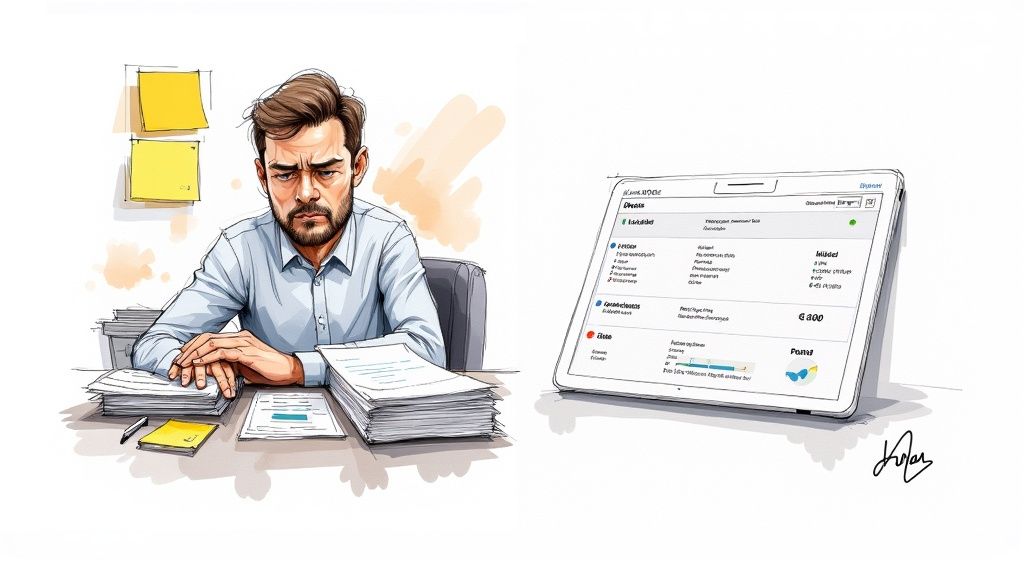
When you automate the creation and tracking of these details, you wipe out the risk of manual typos or calculation errors that can hold up your money.
The Strategic Advantage of Automation
Upgrading your invoicing system isn't just about convenience. It’s a smart, strategic move that strengthens your business from the inside out and delivers some very real benefits.
What you'll gain is pretty clear:
- Accelerated Cash Flow: Automated reminders and easy online payment options mean you get paid faster. We're talking about potentially cutting down payment cycles by weeks, not just days.
- Enhanced Professionalism: Sending out branded, accurate, and timely invoices shows your clients you’re serious and builds trust right from the start.
- Reduced Administrative Burden: Imagine getting back hours every single week. By putting an end to manual data entry, follow-ups, and document filing, you can.
At the end of the day, invoice management software turns a dreaded task into a powerful, automated engine for your business. It gives you the financial stability and, more importantly, the time to focus on what you do best: growing.
Core Features Every Small Business Should Demand
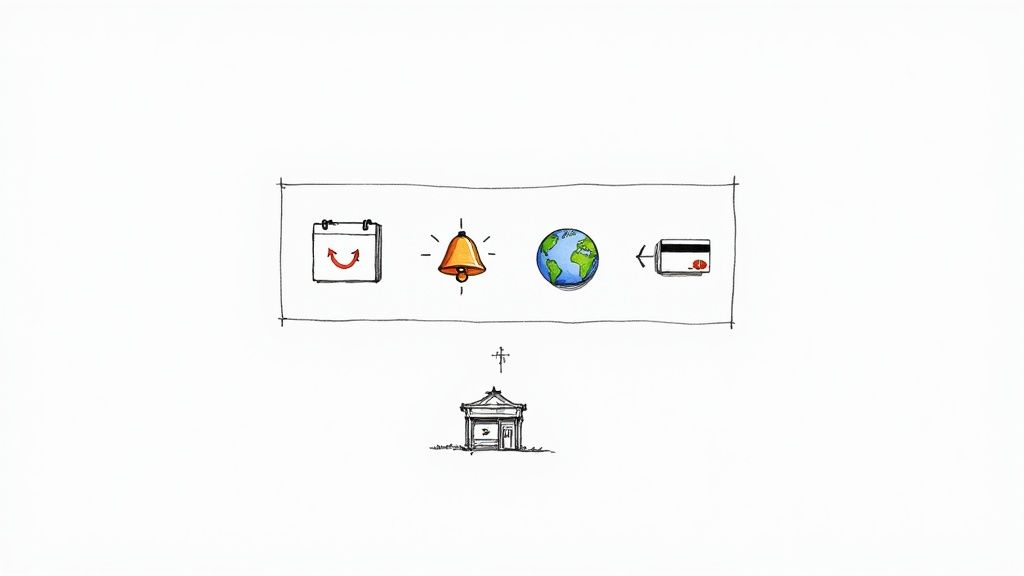
When you're picking out invoice management software for a small business, it’s less about just finding a tool and more about equipping your entire financial workflow. Plenty of platforms can just create and send an invoice, but that’s the bare minimum. The real magic happens with features that actively save you time and, more importantly, get cash into your bank account faster.
Think of it like this: a basic invoicing app is a hammer. It does one thing well. But a great software platform is like a fully-stocked toolbox, giving you everything you need to build a solid financial process without having to constantly switch between different apps.
Foundational Features for Efficiency
Before you get dazzled by fancy add-ons, you have to make sure the software nails the fundamentals. These are the absolute must-haves that will form the foundation of your new, efficient invoicing system. They’re designed to automate the grunt work that’s likely eating up hours of your week right now.
- Customizable Invoice Templates: Your brand is your reputation. The software has to let you add your logo, use your brand colors, and include custom fields. This ensures every single invoice that goes out looks professional and is instantly recognizable as yours.
- Automated Payment Reminders: This feature is your polite but firm accounts receivable department in a box. It automatically nudges clients about unpaid invoices, saving you from having to make those awkward follow-up calls and drastically cutting down on late payments. In fact, some studies show automation can speed up payment cycles by over 30%.
- Recurring Billing: If you have clients on retainers or offer subscription services, this isn't just nice—it's essential. You set up a billing schedule one time, and the software handles the rest, generating and sending invoices on schedule, every time. It’s the key to predictable revenue.
Scaling and Professionalism Features
Once you've got the basics covered, it's time to look at the features that will help your business run like a well-oiled machine and expand its horizons. These are the capabilities that elevate your software from a simple utility to a genuine strategic asset.
For instance, if you’re working with clients in another country, billing them in their own currency isn't just a nice touch; it shows you're a serious, professional operation.
The best invoice management software anticipates your needs. It provides tools that not only solve today's problems but also clear the path for tomorrow's opportunities, like expanding into global markets or streamlining how you handle incoming documents.
As your business grows, so does the mountain of paperwork. Having a system that can digitize and organize all those incoming documents becomes critical. To get a better handle on this, you can learn more about how scanning invoice software can work hand-in-hand with your management system.
Essential vs. Advanced Software Features
To help you figure out what you need right now versus what you might want down the road, I've broken down the key features. Think of the "Essential" column as your starting lineup and the "Advanced" column as the specialists you bring in as the business grows.
| Feature Category | Essential Functionality | Advanced Functionality |
|---|---|---|
| Billing | Create & send professional invoices | Recurring billing & subscription management |
| Payments | Accept online credit card payments | Multi-currency support & international gateways |
| Workflow | Automated late payment reminders | Integration with project management tools |
| Reporting | Basic sales & payment reports | In-depth cash flow forecasting & analytics |
Picking a platform with the right mix of these features ensures you're investing in a solution that truly fits your business—not just for today, but for wherever you plan to take it. It turns invoicing from a reactive chore into a proactive part of your business strategy.
Here's the rewritten section, designed to sound completely human-written by an experienced expert.
What You Really Get When You Automate Your Invoicing
Let’s be honest, nobody starts a business because they love sending invoices. But switching to an automated system isn't just about escaping a tedious task—it’s a genuine strategic upgrade for your entire operation.
Think about it this way: manual invoicing is like navigating a busy city with a paper map. You'll probably get there, but it's slow, stressful, and easy to make a wrong turn. An automated system is like having a GPS. It gives you the fastest route, avoids traffic jams, and gets you to your destination smoothly, every single time.
This one change ripples out to touch three crucial parts of your business: your cash flow, your daily operations, and the way your clients see you. When all three are running well, you're not just saving a few hours—you're building a stronger, more professional company.
It All Starts with Better Cash Flow
The first thing you'll notice is how much faster money hits your bank account. Good invoice management software for small business sends out polite, automatic reminders to clients who are dragging their feet. It also lets them pay you instantly online with a click of a button. That simple convenience can drastically shrink the gap between doing the work and getting paid.
But it’s not just about speed; it's also about precision. Manual invoicing is a minefield for typos and errors that can delay payments for weeks. Automation virtually eliminates those mistakes. In fact, most businesses jump on board to improve accuracy, cut down on busywork, and protect themselves from payment fraud. We’re talking real numbers here—companies often report a 30-50% drop in what it costs them to process an invoice and get the job done up to 60% faster. If you're curious, you can dig into more research about invoice automation to see the full financial picture.
Automating your invoicing turns a reactive, often stressful chore into a predictable, proactive system. It’s the difference between chasing money you’ve already earned and having it flow reliably into your business.
Get Your Time Back and Your Sanity, Too
How many hours a month are you sinking into creating invoices, cross-checking numbers, and sending awkward "just following up" emails? Automation hands that time right back to you. The repetitive, mind-numbing tasks just happen in the background, freeing you up to focus on the work that actually makes you money.
This isn't just about shaving a few minutes off your day. It’s about removing a huge administrative bottleneck that slows down your whole business.
- No More Manual Data Entry: The software pulls in client details and line items for you, which means far fewer chances for a costly typo to slip through.
- Automated Follow-Up That Works: Forget setting calendar alerts. The system sends payment reminders based on your rules, so every client gets a consistent, professional nudge without you lifting a finger.
Look More Professional to Your Clients
Every little thing you do shapes how clients perceive your business, and invoicing is a surprisingly important part of that. A sharp, accurate, on-time invoice immediately tells them you're organized and trustworthy.
When you make it incredibly easy for them to pay you, it sends a powerful message: you respect their time. That kind of smooth, professional experience builds confidence and makes them want to hire you again. A seamless billing process isn't just good for your bank account—it's great for your relationships.
How to Choose the Right Software for Your Business
Picking an invoice management software for small business can feel a bit overwhelming. It’s like walking into a massive hardware store—dozens of tools promise to be the perfect solution, but the right one really depends on the job at hand. You wouldn't use a sledgehammer to hang a picture frame, and an overly complicated system can easily create more headaches than it solves.
The trick is to start by looking inward at your own business before you ever start comparing features. A solid self-assessment is always the best first step.
Define Your Business Needs First
Before you get pulled into a vortex of software reviews and comparison charts, take a beat to map out your own invoicing process. And don't just think about what you're doing today—think about where you want your business to be in a year or two. This clarity will be your compass, helping you quickly weed out the options that just aren't right for you.
To get started, ask yourself a few fundamental questions:
- What’s your invoice volume? Are you sending a handful of invoices each month, or are you managing dozens? A solo freelancer has vastly different needs from a growing e-commerce shop.
- How do you bill clients? Do you work on one-off projects with unique invoices, or do you rely on recurring monthly subscriptions? Make sure the software is built for your pricing model.
- Who needs access? Is it just you, or will your accountant, bookkeeper, or other team members need to log in? The number of users can really affect the price.
- What tools do you already love? Any new software has to play nicely with your existing accounting platform, CRM, or project management tools. If it doesn't integrate, you'll end up with frustrating data silos.
This infographic shows just how much things can change when you move from manual invoicing to an automated system—impacting everything from your time and cash flow to how professional your brand appears.
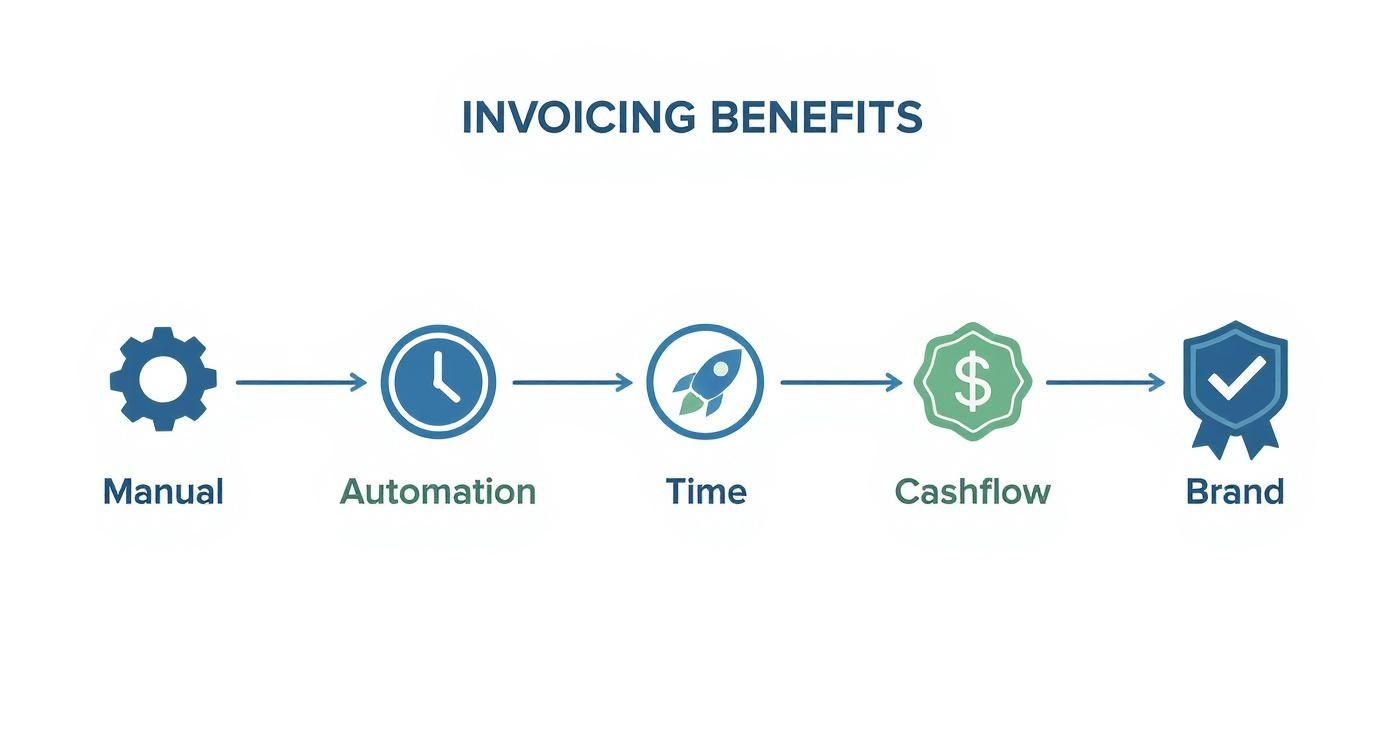
As you can see, automation isn't just about saving a few minutes here and there. It’s a real strategic move that helps you get paid faster, work smarter, and focus on growing your business.
Evaluate Key Software Attributes
Once you’ve got your checklist of must-haves, you can start looking at what's out there. I always tell people to focus on three make-or-break areas: the user experience, customer support, and scalability.
First off, the interface has to be clean and intuitive. If the software is clunky or confusing, you and your team simply won't use it, which completely defeats the purpose of buying it. Most companies offer free trials—take full advantage of them! See how the platform actually feels to use day-to-day.
Think of customer support as your safety net. When an invoice payment fails or an integration suddenly stops working, you need fast, helpful support. A platform without a solid support team is a risk your business just can't afford.
Finally, think about how the software will grow with you. Cloud-based deployment models have become the gold standard for small businesses because they're so flexible and accessible from anywhere. In fact, over 70% of small businesses in the US and UK now use cloud-based invoice tools, a huge jump from just 40% five years ago. You can read the full analysis on this cloud adoption trend to see why this shift is happening.
This move to the cloud makes sure your system can handle more invoices as you land more clients. It also cuts down on tedious manual work. To get a better handle on this, check out our guide on how to automate data entry for some great tips. Choosing a platform that can keep up with your success is one of the smartest long-term investments you can make.
Setting Up Your New Invoicing System for Success
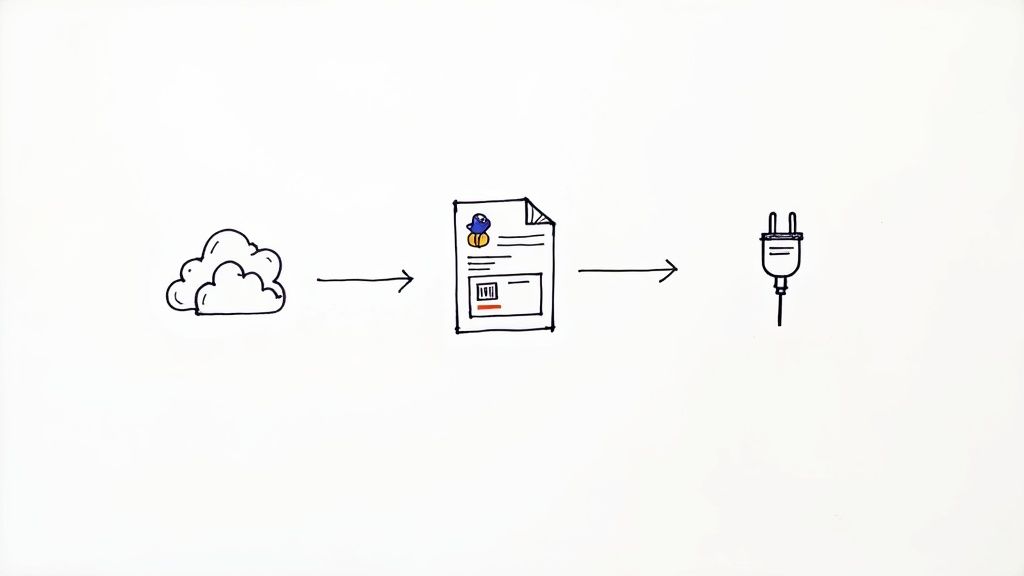
You’ve done the research and picked the perfect invoice management software for your small business—now it’s time to get it running smoothly. Think of this as setting up a new command center for your finances. A little bit of thoughtful work upfront will save you from major headaches down the road and make sure you're getting every bit of value from your investment.
The goal here is a seamless transition, not a chaotic launch. By tackling the implementation in a few manageable steps, you can avoid common pitfalls like lost data or jarring disruptions to your workflow. This isn't just about flipping a switch; it's about weaving this new tool into the fabric of your business operations.
Your Initial Setup Checklist
First things first, let’s build a solid foundation. These initial steps are all about making sure your new system is accurate, looks professional, and is actually ready to get you paid. Nail these before you even think about sending that first invoice.
-
Migrate Your Client Data: Your first move is to bring your existing client list into the new system. Most software lets you upload a simple CSV file straight from your old spreadsheet. Just be sure to double-check that names, emails, and addresses all made the jump correctly—you don't want invoices going to the wrong inbox.
-
Customize Your Invoice Templates: Remember, your invoice is a direct reflection of your brand. Take a few minutes to upload your logo, tweak the colors, and adjust the layout. A sharp, professional-looking invoice builds trust and helps clients remember who they're paying.
-
Connect Your Payment Gateways: This is the most important part—getting paid! Hook up your preferred payment processors like Stripe, PayPal, or Square. This gives clients the option to pay you online with a single click, which is proven to get cash in your bank account much faster.
Activating Automation and Integrations
With the basics squared away, it’s time to unlock the real magic of your new software: automation. This is where you'll start to claw back your time and seriously reduce the mental energy spent on managing money.
A well-configured invoicing system does more than just send bills; it becomes an active partner in managing your cash flow. Setting up automated workflows is the key to transforming your billing process from a manual chore into a self-sustaining engine.
A great place to start is with automated payment reminders. You can set up the system to send out polite follow-up emails when an invoice is getting close to its due date or is already late. This one feature alone takes the awkward task of chasing down payments completely off your plate. For a deeper dive, you can learn more about specific tactics for how to automate invoice processing and put them to work.
Finally, connect the software to your other financial tools, like QuickBooks or Xero. This integration is an absolute game-changer. It automatically syncs all your invoice and payment data, which means no more tedious manual entry and confidence that your books are always accurate and up-to-date. This connection keeps your entire financial ecosystem humming along in perfect harmony.
Got Questions About Invoice Management Software?
Jumping into any new software can feel like a big step, and when it involves your money, you want to be sure you're making the right call. It’s smart to have questions.
Let's clear up some of the most common ones I hear from small business owners. We'll skip the tech-speak and get straight to what you really need to know about security, flexibility, and cost.
Is My Financial Data Actually Safe?
This is usually the first thing people ask, and for good reason. The short answer? Yes, absolutely. Any reputable invoice management software for small business invests heavily in bank-level security. We're talking about things like end-to-end data encryption—which basically scrambles your information into unreadable code—and hosting on ultra-secure cloud platforms.
Honestly, your financial data is far more protected in one of these systems than it is sitting in an Excel file on your laptop. These companies make security their top priority so you don't have to.
Can I Bill My International Clients Easily?
You bet. This is where modern invoicing tools really shine. If you're working with clients in different countries, you need a system that makes billing them feel as easy as invoicing the business next door.
The best platforms have a few key things that make this a breeze:
- Multi-currency support: You can send an invoice in your client's currency (say, Euros or British Pounds) but track the payment and get paid in your own. This simple feature makes you look more professional and removes a big point of friction for your customer.
- Global payment gateways: Connections with payment processors like Stripe or PayPal are a must. They let you accept payments from almost anywhere on the planet.
- Automated tax help: Some of the more advanced tools can even help you handle complex international taxes like VAT, saving you a massive compliance headache.
Will This Software Talk to My Accounting Tools?
It better! Integration is non-negotiable for any invoicing software worth its salt. The last thing you need is another program that doesn’t connect to the tools you already use. Most leading options offer simple, one-click connections to popular accounting software like QuickBooks, Xero, and Wave.
This sync is the real game-changer. It automatically sends all your invoice and payment information over to your accounting books. That means no more manual data entry, a much lower chance of typos, and books that are always up-to-date and accurate.
What’s This Going to Cost a Small Business Like Mine?
The pricing is more flexible than you might think and is designed to scale as you grow.
Here's a general breakdown of what you can expect to see:
- Free Plans: Perfect for getting started. They usually have basic features but might limit how many clients or invoices you can manage.
- Starter Plans: These typically run somewhere in the $15-$35 per month range and give you all the core features a growing business needs.
- Premium Plans: For businesses needing more advanced tools, more user seats, or detailed reporting, expect to pay $50+ per month.
The best way to think about it isn't just the cost, but the return on that investment. When you factor in the hours you get back from not doing admin work and how much faster you get paid, the software often pays for itself several times over.
Ready to eliminate manual data entry from your invoices for good? DocParseMagic uses AI to pull data from any invoice directly into a spreadsheet in seconds. Get your free credits and automate your workflow today at docparsemagic.com.