12 Top Document Archive Open Source Tools for 2026
While cloud-based tools offer convenience, a self-hosted document archive open source solution provides superior control, security, and long-term cost benefits. For organizations handling sensitive information, from accounting teams processing invoices to researchers preserving historical data, ownership of the digital archive is critical. The challenge lies in selecting the right platform. You need to weigh powerful features like full-text search and automated metadata extraction against the technical skill required for setup and maintenance.
This guide is built to simplify that decision. We provide a direct, practical comparison of the top 12 open-source document management and archival systems available today. Forget generic feature lists; we focus on real-world applications and limitations to help you find the best fit for your specific needs.
Inside this resource, you will discover:
- Detailed Breakdowns: Each tool is analyzed for its core strengths, ideal use cases (e.g., small business document management vs. large-scale institutional preservation), and potential drawbacks.
- Implementation Guidance: We'll touch on what it takes to get each system running, from server requirements to configuration complexity.
- Clear Comparisons: By seeing these tools side-by-side, you can quickly identify the options that align with your team's technical abilities and workflow demands.
Our goal is to give you the information needed to confidently choose a document archive open source platform or determine if a managed service is a more practical route for your organization. Let's get started.
1. Archivematica
Archivematica is not a simple document management system; it is a professional-grade digital preservation platform. Built for long-term durability and adherence to archival standards, it’s the go-to open source document archive for institutions like libraries, archives, museums (GLAM sector), and government bodies that require audit-ready, permanent storage. Its core function is to process digital objects and package them into standardized, self-contained Archival Information Packages (AIPs) that are designed to remain accessible for decades, regardless of future technology changes.
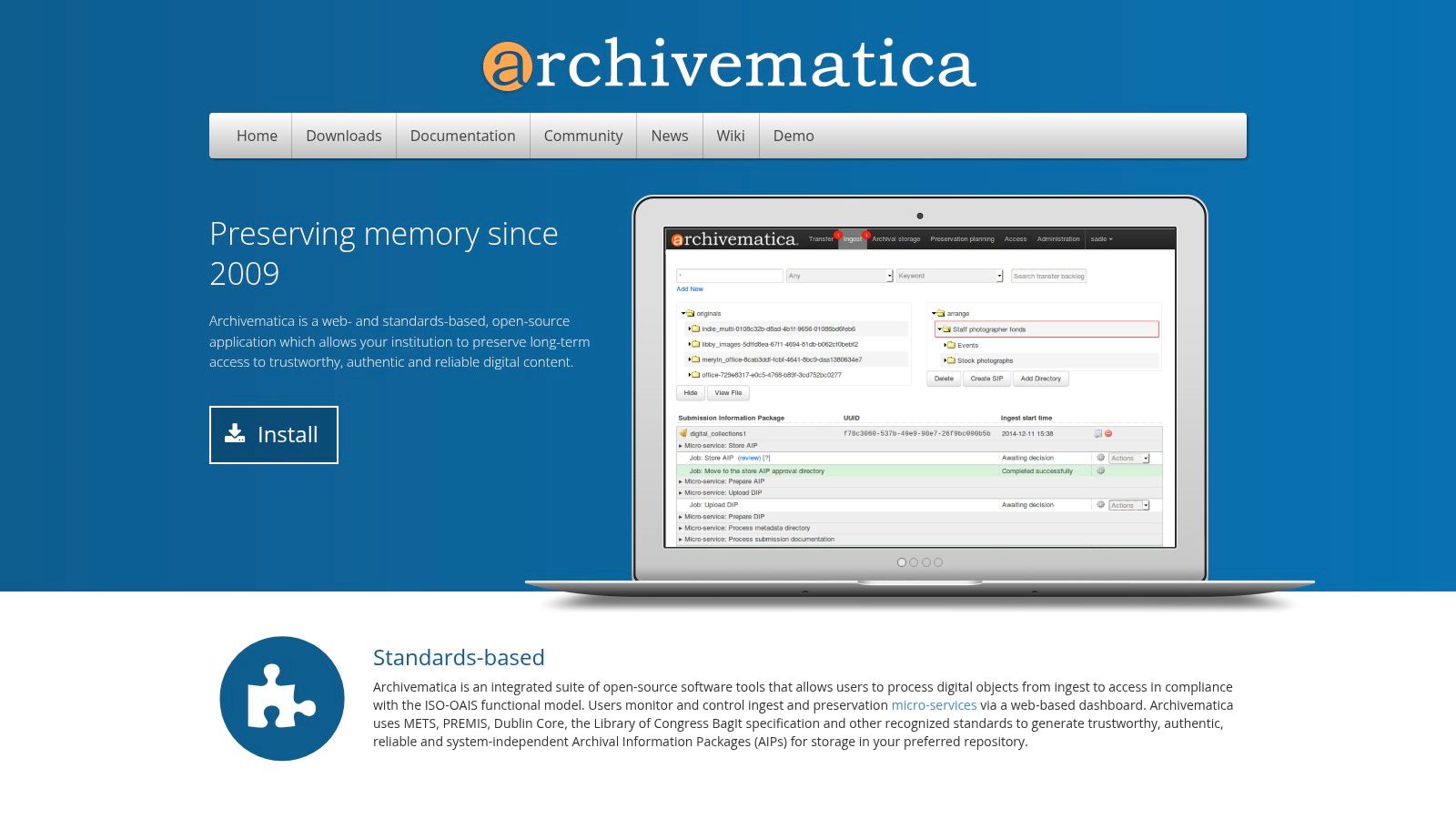
The platform operates on a microservices architecture, automating complex preservation tasks like file format normalization, virus checking, and fixity verification (checksums). This ensures the integrity and authenticity of the archived content over time.
Use Cases and Limitations
Archivematica shines in scenarios where preservation is the primary goal. Think of a university archiving scholarly research, a law firm preserving case files for legal compliance, or a government agency maintaining public records. It’s less suited for teams needing a quick, simple front-end for daily document retrieval and collaboration.
Key Takeaway: Choose Archivematica when your primary need is guaranteed, standards-compliant long-term preservation, not just storage or daily access. It’s built to answer the question, "How can we ensure this digital file is usable in 50 years?"
Pros:
- Strict adherence to archival standards (OAIS, METS/PREMIS).
- Automated, auditable preservation workflows.
- Strong community support, especially in the GLAM sector.
Cons:
- It is not a standalone access system; it must be paired with another platform (like AtoM or a custom front-end) for public discovery.
- Requires significant technical expertise (DevOps skills) for self-hosted installation and maintenance at scale.
Access: https://www.archivematica.org/
2. ArchivesSpace
Where Archivematica preserves the digital files, ArchivesSpace describes the archival collections they belong to. It is an open-source system designed for archivists to manage and publish descriptive information about physical and digital archives, often known as finding aids. It's the essential tool for institutions that need to create structured, standards-compliant metadata about their holdings, making them discoverable to researchers. The platform provides a staff interface for accessioning new materials and creating detailed resource records, plus a public-facing UI for discovery.
ArchivesSpace is purpose-built for creating descriptions that adhere to archival standards like EAD (Encoded Archival Description). It isn't a document archive open source solution in the sense of storing files; rather, it stores the information about the files, providing context, history, and location.
Use Cases and Limitations
ArchivesSpace is ideal for any archive, library, or museum that needs to manage descriptive metadata for its collections. It allows staff to track accessions, describe materials hierarchically (from a collection down to a single item), and manage information about the people and organizations who created them. It is not a digital asset management system and does not handle digitization workflows or file storage itself. For a complete solution, institutions often pair it with a digital preservation system like Archivematica.
Key Takeaway: Choose ArchivesSpace when your primary need is creating and managing professional, standards-compliant finding aids and making your archival collections discoverable, not for managing the digital files themselves.
Pros:
- Strong community governance under LYRASIS with wide adoption.
- Purpose-built workflows for archival description (EAD/EAC-CPF).
- Includes both a staff back-end and a public user interface.
Cons:
- It is not a document management or digital preservation system; it only manages metadata.
- Must be integrated with other systems (like Archivematica or a custom repository) to deliver the actual digital files to users.
Access: https://archivesspace.org/
3. DSpace
DSpace is a turnkey institutional repository platform primarily used by academic, non-profit, and research organizations to manage and provide access to digital scholarly works. Unlike general-purpose document systems, it is purpose-built as a document archive open source solution for capturing, distributing, and preserving intellectual output like articles, datasets, and theses. Its framework organizes content into communities and collections, making it easy to structure a digital library.
The platform includes configurable submission workflows, persistent identifiers (Handle System/DOI), and robust metadata capabilities. It also supports standards like OAI-PMH for interoperability, allowing its content to be harvested by other services and search engines, maximizing the visibility of archived materials.
Use Cases and Limitations
DSpace is the ideal choice for a university library creating a public-facing archive of faculty research or a research institute that needs to publish and preserve datasets. Its built-in features for embargoes and versioning are critical for managing the lifecycle of scholarly publications. However, its traditional user interface can feel dated without custom theming, and it is less suited for internal, collaborative business document management where real-time editing is needed. Following the best practices for document management is key to a successful implementation.
Key Takeaway: Choose DSpace for creating a structured, public-facing institutional or research repository. It excels at formal publication and long-term preservation, not internal team file-sharing.
Pros:
- Mature platform with a large, active global community.
- Strong support for interoperability and archival standards (OAI-PMH, SWORD).
- Turnkey solution for institutional repositories.
Cons:
- The default user interface may require customization for a modern look and feel.
- Major version upgrades can be complex and require careful planning.
Access: https://dspace.org/
4. InvenioRDM
InvenioRDM is a modern, turnkey research data repository platform born out of the Invenio framework originally developed at CERN. It is designed for institutions like universities, research centers, and data-driven organizations needing a reliable system to publish, share, and preserve datasets and documents. Its API-first design makes it a powerful choice for creating a custom document archive open source solution that integrates smoothly with existing scholarly or enterprise workflows.
The platform stands out with its robust support for scholarly communication standards, including built-in DOI minting for persistent identifiers and rich, customizable metadata based on JSON-Schema. A powerful search engine, backed by Elasticsearch or OpenSearch, ensures that archived content is highly discoverable, while features like versioning and granular permissions provide necessary control over the document lifecycle.
Use Cases and Limitations
InvenioRDM is ideal for an academic library archiving faculty publications, a scientific consortium sharing experimental data, or a corporate R&D department managing its research outputs. Its strengths are in structured data and document sharing where discoverability and citation are important. It may be overly complex for a small business just looking for a simple, private file cabinet to store invoices and internal memos.
Key Takeaway: Choose InvenioRDM when you need a public-facing repository with strong metadata capabilities, persistent identifiers, and powerful search. It's built to make research data and documents FAIR (Findable, Accessible, Interoperable, and Reusable).
Pros:
- Modern, API-first architecture built on a proven stack (Python/Flask, React).
- Excellent support for research data standards, including DOIs and versioning.
- Actively developed with a strong community backing.
Cons:
- As a newer system, it has fewer out-of-the-box themes and a smaller plugin ecosystem than some legacy platforms.
- Self-hosted deployment and management recommend DevOps expertise for optimal performance and reliability.
Access: https://inveniosoftware.org/products/rdm/
5. Islandora
Islandora offers a unique approach by merging the flexibility of a content management system (CMS) with the structured environment of a digital repository. It uses Drupal for its front-end presentation layer and the Fedora Commons repository system for back-end storage and preservation services. This combination makes it a powerful choice for institutions needing to both manage and publicly display diverse digital collections, from documents and images to audio-visual materials.
The platform is highly extensible, with modules for features like IIIF-compliant image delivery, OAI-PMH for metadata harvesting, and powerful text extraction from documents. This modularity allows organizations to build a document archive open source solution that precisely fits their needs for both internal management and public access.
Use Cases and Limitations
Islandora is ideal for academic libraries, digital humanities projects, and cultural heritage organizations that need a public-facing portal for their archived collections. Its strength lies in presenting complex objects with rich metadata in a user-friendly way. For example, a university can use it to display a collection of historical manuscripts with zoomable images and detailed descriptions.
Key Takeaway: Choose Islandora when you need to balance robust archival storage with a powerful, customizable public access layer. It’s built to not only store your documents but also to present them beautifully.
Pros:
- Combines the power of a full CMS (Drupal) with repository rigor.
- Strong community support and an active governing foundation.
- Highly extensible with a wide range of modules for different content types.
Cons:
- A full deployment requires specialized expertise in both Drupal and Fedora Commons, increasing the technical barrier.
- Requires more configuration and setup compared to turnkey systems.
Access: https://www.islandora.ca/
6. Samvera (Hyrax/Hyku)
Samvera is not an out-of-the-box application but a community-driven framework for building custom digital repositories and archives. It is primarily used by academic institutions and cultural heritage organizations that need to create a bespoke solution tailored to specific content types and workflows. Built on a Ruby on Rails stack with Fedora and Solr as its backend, it provides a powerful foundation for managing complex digital objects and their metadata.
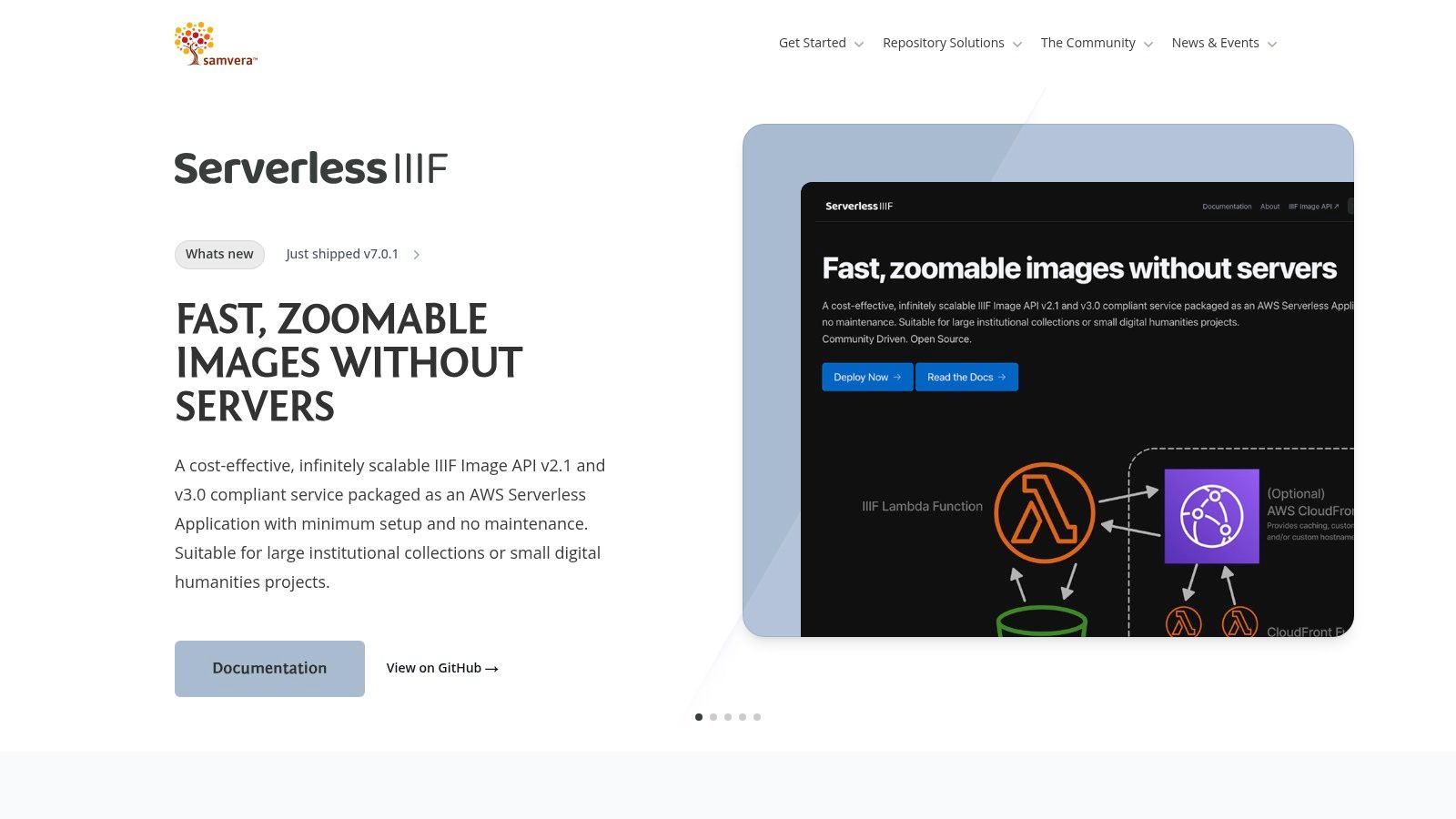
The framework is offered in two main forms: Hyrax, the core application engine for single-instance repositories, and Hyku, a multi-tenant version that allows a single installation to host multiple, separate archives. This makes it a flexible open source document archive for consortia or universities wanting to provide repository services to different departments.
Use Cases and Limitations
Samvera is ideal for a university library creating an institutional repository for scholarly articles, datasets, and multimedia projects, or a consortium of museums needing a shared platform with customized metadata for their collections. It is less suitable for a small business looking for a simple, turnkey document storage system. The framework's strength lies in its adaptability for complex, unique requirements.
Key Takeaway: Choose Samvera when you need to build a highly customized digital archive and have the development resources (specifically Ruby/Rails expertise) to do so. Its power is in its flexibility, not its simplicity.
Pros:
- Extremely flexible and customizable for complex use cases and metadata models.
- Strong, active community and partner network, especially in North America.
- Multi-tenant capability through Hyku is a major advantage for service providers.
Cons:
- Requires significant developer expertise for implementation, customization, and maintenance.
- Higher complexity and cost of ownership compared to turn-key solutions.
Access: https://samvera.org/
7. Omeka S
Omeka S is less of a traditional document archive open source solution and more of a web publishing platform designed for sharing digital collections. It excels at creating rich, attractive online exhibits for cultural heritage institutions. Its strength lies in presenting documents, images, and other media to the public in a structured, narrative-driven way, making it a favorite for museums, libraries, and university projects that need to combine archival description with public-facing storytelling.
The platform is built around the concept of linked open data, allowing items in one collection to be connected to others semantically. A key feature is its ability to manage multiple distinct websites from a single installation, each with its own theme and content, pulling from a shared pool of resources.
Use Cases and Limitations
Omeka S is ideal for creating a public discovery layer for an archive. Think of a historical society building an online exhibit about local industry or a university professor creating a digital companion for a course. It is not, however, a digital preservation system. It lacks the fixity checks, format normalization, and auditable workflows of a platform like Archivematica.
Key Takeaway: Choose Omeka S when your primary goal is public access, interpretation, and exhibition of your digital assets. It answers the question, "How can we build an engaging website to showcase our collection?" not "How do we preserve this file for 50 years?"
Pros:
- Excellent for creating attractive public-facing sites and digital exhibits.
- Strong support for linked open data and rich metadata standards.
- Active community with a large ecosystem of modules and themes.
Cons:
- It is not a preservation system and lacks long-term archival features.
- Performance may require careful server tuning for very large, high-traffic deployments.
Access: https://omeka.org/s/
8. CollectiveAccess (Providence + Pawtucket)
CollectiveAccess is a powerful open source document archive and collections management system designed for museums, archives, and special collections. It consists of two main components: Providence, the back-end cataloging interface, and Pawtucket, the optional front-end for public discovery. Its primary strength lies in its extreme flexibility, allowing institutions to create highly customized data models to describe anything from fine art and historical artifacts to complex archival documents and their relationships.
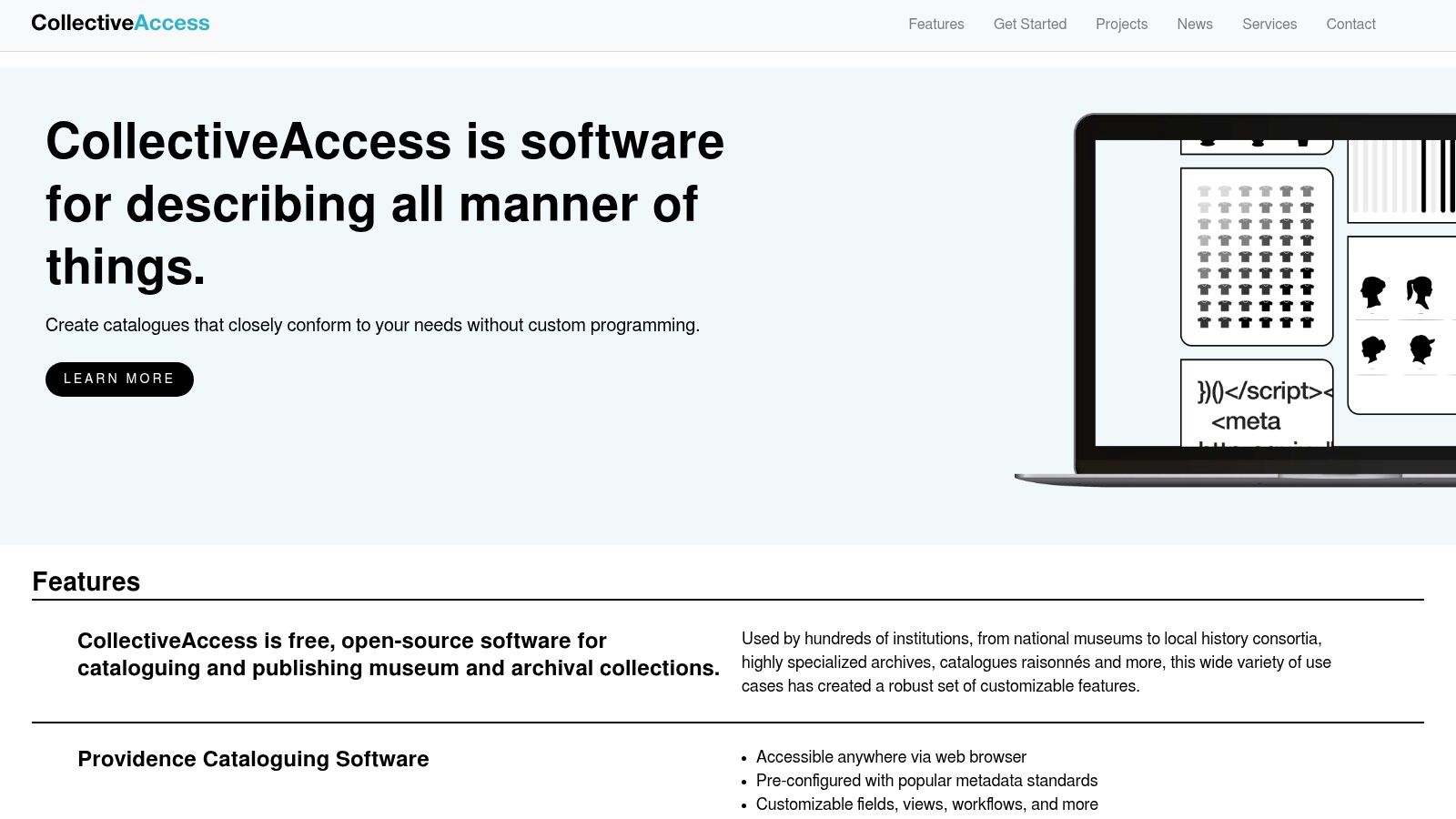
Unlike simpler document management tools, CollectiveAccess excels at handling metadata-rich, heterogeneous collections. It supports controlled vocabularies, hierarchical relationships, and complex data types, making it ideal for describing intricate archival holdings where context and provenance are critical.
Use Cases and Limitations
This platform is a top choice for cultural heritage institutions, corporate archives, or any organization managing diverse, non-standard assets that need detailed description. It could manage a law firm's historical case files alongside partner portraits or a manufacturer's archive of product designs, patents, and marketing materials. It is less suitable for businesses needing a straightforward, plug-and-play document repository for simple storage and retrieval of uniform files like invoices or reports.
Key Takeaway: Choose CollectiveAccess when you need to manage and describe a diverse collection of assets, including documents, where metadata and relationships are just as important as the files themselves.
Pros:
- Highly customizable data schemas and user interfaces.
- Strong support for archival description standards and controlled vocabularies.
- Active development community and transparent project roadmap.
Cons:
- Requires significant technical knowledge for setup, configuration, and customization.
- Achieving a polished public-facing site often requires a developer or consultant with specific platform experience.
Access: https://www.collectiveaccess.org/
9. Mayan EDMS
Mayan EDMS is a powerful, general-purpose electronic document management system designed to ingest, organize, and secure business documents. Its primary strength lies in its ability to create a searchable, internal document archive for a wide range of records, from invoices and contracts to personnel files and statements. It automatically processes files, using optical character recognition (OCR) to make scanned documents full-text searchable.
The platform is built around features like advanced metadata tagging, version control, role-based access permissions, and a complete audit trail. For technical teams, it provides a REST API and official Docker images, which simplifies deployment and integration into existing workflows. For a deeper dive into these kinds of automated workflows, you can explore the fundamentals of document processing.
Use Cases and Limitations
Mayan EDMS is an excellent open source document archive for small to medium-sized businesses needing to digitize paper-based processes. Think of an accounting team archiving invoices or a legal department managing case files. Its utilitarian interface is built for function over form, so it may feel less polished than commercial alternatives. For systems like Mayan EDMS, which leverage Python extensively, you might need to consider where to acquire skilled experts, and even look to hire python developers.
Key Takeaway: Choose Mayan EDMS when you need a robust, free open source system for internal document management with strong OCR, security, and automation capabilities, and you have the technical skills to self-host it.
Pros:
- Mature DMS features (OCR, versioning, permissions) without a paid 'pro' lock-in.
- Active community development and available commercial support options.
- Strong API and Docker support for flexible deployment.
Cons:
- The administrator user experience is functional but can feel complex and is not as intuitive as some modern SaaS tools.
- Self-hosting requires solid familiarity with Linux environments and Docker.
Access: https://www.mayan-edms.com/
10. Paperless-ngx
Paperless-ngx is the quintessential personal and small-team document archive open source solution. It's designed to transform a pile of physical or digital documents into a searchable, organized digital library. Its primary goal is user-friendliness and rapid deployment, making it perfect for home users, freelancers, or small businesses wanting to go paperless without the complexity of an enterprise-grade system. The platform ingests scans or digital files, runs them through Optical Character Recognition (OCR), and provides a clean web interface for searching and management.
It excels at automation through a powerful rules-based system. You can configure it to automatically tag invoices from a specific vendor, assign a document type to bank statements, or file receipts based on their content. This consumer-first approach, combined with Docker-based deployment, makes it one of the fastest systems to get up and running.
Use Cases and Limitations
Paperless-ngx is ideal for managing household bills, receipts, contracts, and correspondence, or for a small office digitizing its client files and supplier invoices. Its strength is in simplifying the capture-and-file workflow. However, it lacks the granular permissions, audit trails, and complex user management needed for large, security-critical corporate environments. It is not built for untrusted multi-tenant hosting without significant security hardening. For teams needing to automate data extraction beyond simple filing, understanding how to extract data from documents can provide a path to more advanced workflows.
Key Takeaway: Choose Paperless-ngx for a "set it and forget it" personal or small-team document archive. It’s the best choice for anyone who values a quick setup, an intuitive interface, and powerful automation for everyday documents.
Pros:
- Extremely fast to deploy with Docker and an approachable, clean UI.
- Powerful automation rules for auto-tagging and filing from email or hot-folders.
- Strong community support and a wide range of third-party clients and integrations.
Cons:
- Not designed for enterprise-level, multi-tenant security requirements.
- Fewer governance and compliance controls compared to classic Enterprise Content Management (ECM) platforms.
Access: https://docs.paperless-ngx.com/
11. OpenKM Community Edition
OpenKM Community Edition is a Java-based, long-standing document archive open source platform that offers a more traditional Enterprise Content Management (ECM) experience. It provides a solid foundation for organizations that need core archiving features like metadata management, version control, and workflow automation, with a clear path to upgrade to a supported enterprise version if requirements grow. Its strength lies in its familiar interface and broad protocol support, making it accessible to teams accustomed to network drives and standard office tools.
The system integrates well into existing IT environments, offering access via WebDAV, CIFS, and FTP, alongside a standard web interface. This allows users to interact with the archive as if it were a local network drive, which can simplify adoption for less technical teams in accounting or procurement.
Use Cases and Limitations
OpenKM is a good fit for mid-sized businesses looking for a central repository to manage contracts, invoices, and technical documentation. Its workflow engine can automate simple approval processes, and its versioning is crucial for tracking revisions. However, the Community Edition intentionally omits some advanced features reserved for the enterprise version, such as high-performance indexing and certain integrations.
Key Takeaway: Choose OpenKM when you need a well-rounded, classic ECM feature set out of the box with multiple access methods. It strikes a balance between user-friendliness and powerful backend control, serving as a reliable central archive.
Pros:
- Broad feature set including workflows and versioning.
- Familiar access protocols (WebDAV, CIFS) ease user adoption.
- Provides a direct upgrade path to a commercially supported version.
Cons:
- The Community Edition intentionally lags behind the Enterprise version in features and performance.
- As a Java-based application, it has a heavier resource footprint than some modern alternatives built on lighter stacks.
Access: https://www.openkm.com/
12. EPrints
EPrints is a mature, university-backed open source repository platform originally designed for academic institutions to manage open-access articles, research data, and theses. Developed at the University of Southampton, its robust framework also makes it a capable solution for organizations needing a structured and configurable document archive open source system. It excels at creating public-facing repositories where metadata consistency and discovery are paramount.
The platform is built around customizable submission workflows and highly configurable metadata schemas. This allows administrators to define exactly what information is captured for different document types, ensuring that content is well-described and easily findable through its OAI-PMH compliant interface.
Use Cases and Limitations
EPrints is ideal for libraries, research groups, or corporate archives that need to publish a collection of documents, like technical reports, white papers, or historical records, in a standardized format. It is particularly effective for any scenario requiring public access and interoperability with other scholarly systems. It is less suited for internal, high-speed document management focused on real-time collaboration or complex business process automation.
Key Takeaway: Choose EPrints when you need to build a public-facing, metadata-rich digital repository with controlled submission workflows. It’s perfect for publishing and preserving finished documents, not for managing active, in-process files.
Pros:
- Longstanding community and stable governance.
- Highly customizable workflows, metadata, and display via plugins.
- Lightweight stack compared to some larger Java-based systems.
Cons:
- Its Perl-based technology stack may be less familiar to modern development teams.
- The user interface can feel dated without custom theming.
- The ecosystem is smaller and more academically focused than some competitors.
Access: https://www.eprints.org/
Open-Source Document Archive: Top 12 Comparison
| Solution | Primary use case | Key features | Deployment & UX (★) | Best for (👥) | Unique strength & Pricing (🏆✨💰) |
|---|---|---|---|---|---|
| Archivematica | Long-term digital preservation (OAIS AIPs) | OAIS/METS/PREMIS, normalization, fixity, storage integrations | ★★★ | 👥 GLAM, government, preservation teams | 🏆 Preservation best-practice ✨ OAIS-compliant packaging 💰 Open-source; hosting/support available |
| ArchivesSpace | Archival description & finding aids | Accessioning, EAD/EAC-CPF, public UI, REST API | ★★★★ | 👥 Archives staff, special collections | 🏆 Purpose-built archival workflows ✨ EAD-focused tools 💰 Community-governed (LYRASIS) |
| DSpace | Institutional repository for research outputs | Submission workflows, OAI-PMH, DOI/Handle, versioning | ★★★★ | 👥 Universities, research orgs | 🏆 Standards & interoperability ✨ DSpace-CRIS extension 💰 Open-source |
| InvenioRDM | API-first research data & document repository | DOI, JSON-schema metadata, Elasticsearch, OAuth/OIDC | ★★★★ | 👥 Research infra teams, data managers | 🏆 Modern, API-first ✨ Flexible metadata models 💰 Open-source |
| Islandora | Drupal-fronted digital repository & presentation | Drupal CMS, Fedora backend, IIIF, metadata flexibility | ★★★ | 👥 Libraries, museums wanting CMS-driven sites | 🏆 CMS + repository combo ✨ IIIF image delivery 💰 Open-source |
| Samvera (Hyrax/Hyku) | Bespoke archives / multi-tenant repositories | Fedora + Solr, robust metadata modeling, Hyku multi-tenant | ★★★ | 👥 Institutions with dev capacity, consortia | 🏆 Extremely flexible ✨ Multi-tenant Hyku 💰 Open-source; partner ecosystem |
| Omeka S | Web publishing & public exhibits for collections | Multi-site, linked data, modules/themes, import/export | ★★★★ | 👥 Museums, educators, exhibit creators | 🏆 Elegant public sites ✨ Linked data support 💰 Open-source |
| CollectiveAccess | Collections & archives management with rich schemas | Flexible data modeling, controlled vocabularies, discovery layer | ★★★ | 👥 Museums & archives needing deep customization | 🏆 Highly configurable metadata ✨ Strong import/mapping tools 💰 Open-source |
| Mayan EDMS | Electronic document management & OCR for records | OCR, tagging, versioning, RBAC, API, Docker images | ★★★★ | 👥 Internal records teams, SMBs | 🏆 Full DMS feature set ✨ OCR + audit trails 💰 Open-source; commercial support available |
| Paperless-ngx | Lightweight office document archiving & automation | Tesseract OCR, auto-tagging rules, email/hot-folder ingest | ★★★★ | 👥 Small teams, solo users | 🏆 Fast to deploy ✨ Automation-first workflows 💰 Free/community |
| OpenKM Community Edition | Java-based ECM-style document management (community) | Versioning, workflows, WebDAV/CIFS, office add-ins | ★★★ | 👥 Mid-market orgs exploring ECM | 🏆 Familiar ECM protocols ✨ Upgrade path to Enterprise 💰 Community free; Enterprise paid |
| EPrints | Open-access repository for articles, theses, research | OAI-PMH, configurable metadata schemas, plugins | ★★★★ | 👥 Academic repositories, libraries | 🏆 Longstanding, lightweight stack ✨ Highly customizable workflows 💰 Open-source |
Building Your Future-Proof Document Strategy
Choosing the right platform is a strategic decision, one that directly impacts your organization's efficiency, security, and data sovereignty. Throughout this guide, we've examined a wide spectrum of document archive open source solutions, each with distinct strengths. From the formal, preservation-focused architecture of Archivematica and DSpace to the agile, small-business-friendly interface of Paperless-ngx, the open-source community provides a robust tool for nearly every scenario.
Your journey doesn't end with selecting a tool; it begins there. The most successful implementations stem from a clear understanding of your specific needs before you ever install a single package. The key is to align your final choice with your available technical resources, long-term archival goals, and day-to-day document workflows.
Making the Right Choice: A Practical Framework
To move from analysis to action, consider these final guiding points. A thoughtful assessment of these factors will illuminate the best path forward for your organization.
- Define Your Primary Goal: Are you focused on long-term preservation (think Archivematica, Islandora) or active, daily document management (like Mayan EDMS or OpenKM)? Answering this question first will narrow your options significantly.
- Assess Your Technical Capacity: Be realistic about your team's skills. A tool like Paperless-ngx is famously easy to set up with Docker, making it ideal for smaller teams. In contrast, a platform like Samvera or ArchivesSpace requires dedicated IT expertise for deployment and ongoing maintenance.
- Consider Your Document Volume and Type: For a small accounting firm managing a few thousand invoices and statements a year, Paperless-ngx is perfect. For a university library managing millions of varied digital objects, a more scalable solution like DSpace or InvenioRDM is essential.
- Plan for Integration: Your archive does not exist in a vacuum. Think about how it will connect with your existing systems. Look for tools with strong API support, like Mayan EDMS, if you need to integrate with other business software. For a truly future-proof approach, integrating advanced capabilities like document intelligence solutions can transform how documents are managed and accessed.
The Hybrid Strategy: Combining Open Source with Specialized Services
For many organizations, the optimal solution isn't a single platform but a hybrid approach. You can use a robust document archive open source system as your secure, permanent repository for final documents. This gives you complete control over your data for long-term storage and compliance.
Simultaneously, you can pair this archive with a specialized, no-code service for the intensive, front-end task of data extraction. Imagine your procurement team needs to compare terms from 50 vendor proposals. Instead of manually entering data, they can use a dedicated service to pull key terms, prices, and dates automatically, then file the original, verified documents into your open-source archive. This strategy combines the control and cost-effectiveness of open source with the speed and efficiency of a dedicated service.
Ultimately, the power of open source lies in its flexibility. You are not locked into a single vendor's ecosystem or pricing model. By carefully assessing your needs, understanding the available tools, and thinking strategically about your entire document lifecycle, you can build a cost-effective, powerful, and future-proof system for managing your organization's most valuable information assets.
Tired of manual data entry from your invoices, reports, and financial statements before archiving them? DocParseMagic offers a powerful, no-code solution to automatically extract the data you need, so you can focus on analysis, not transcription. Get started in minutes and see how much time you can save by visiting DocParseMagic.